


Log in to your account here or sign up as a customer here.
Microsoft Surface Pro 13" 13" 13" 13" 256 GB 16GB
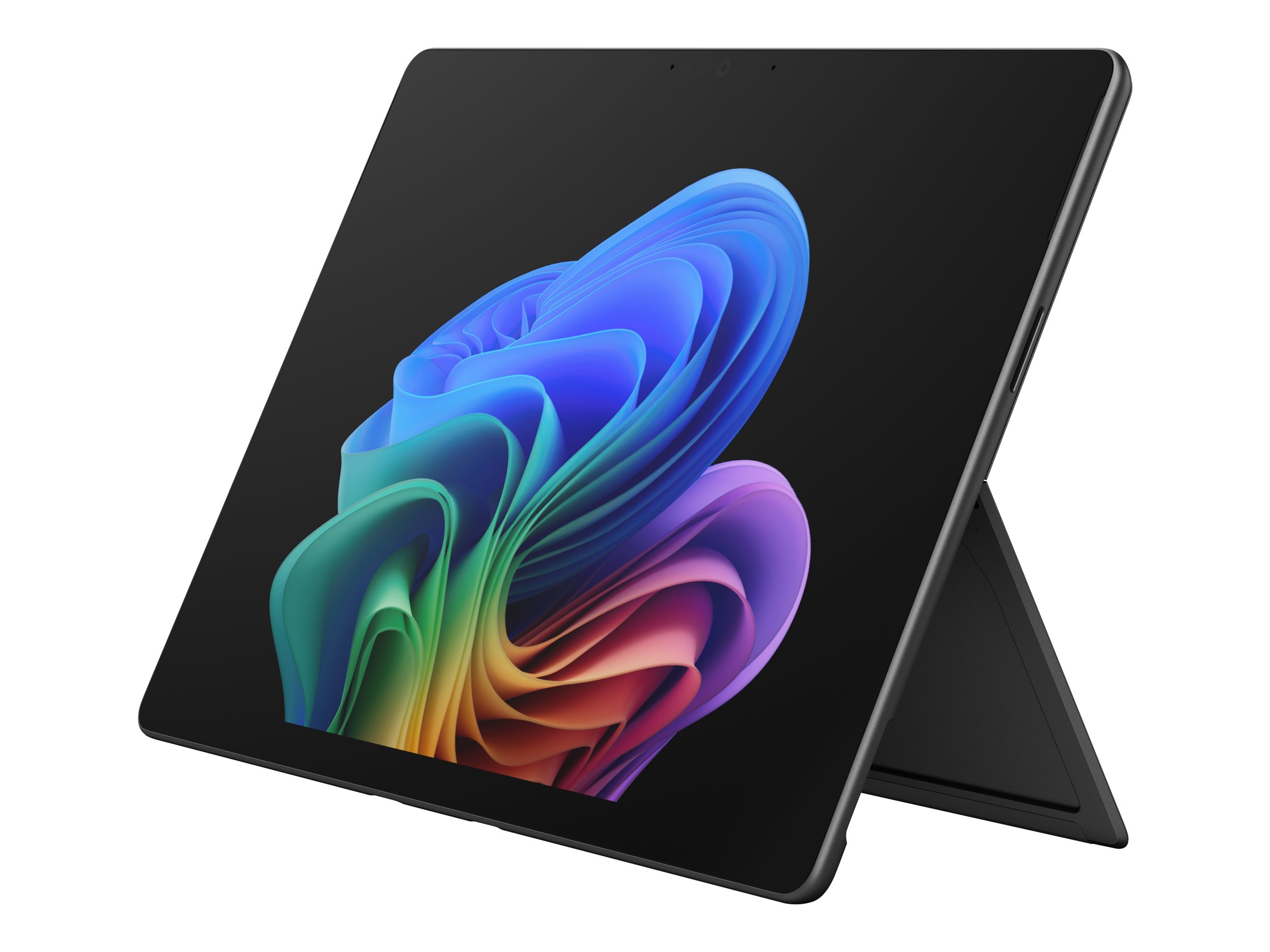
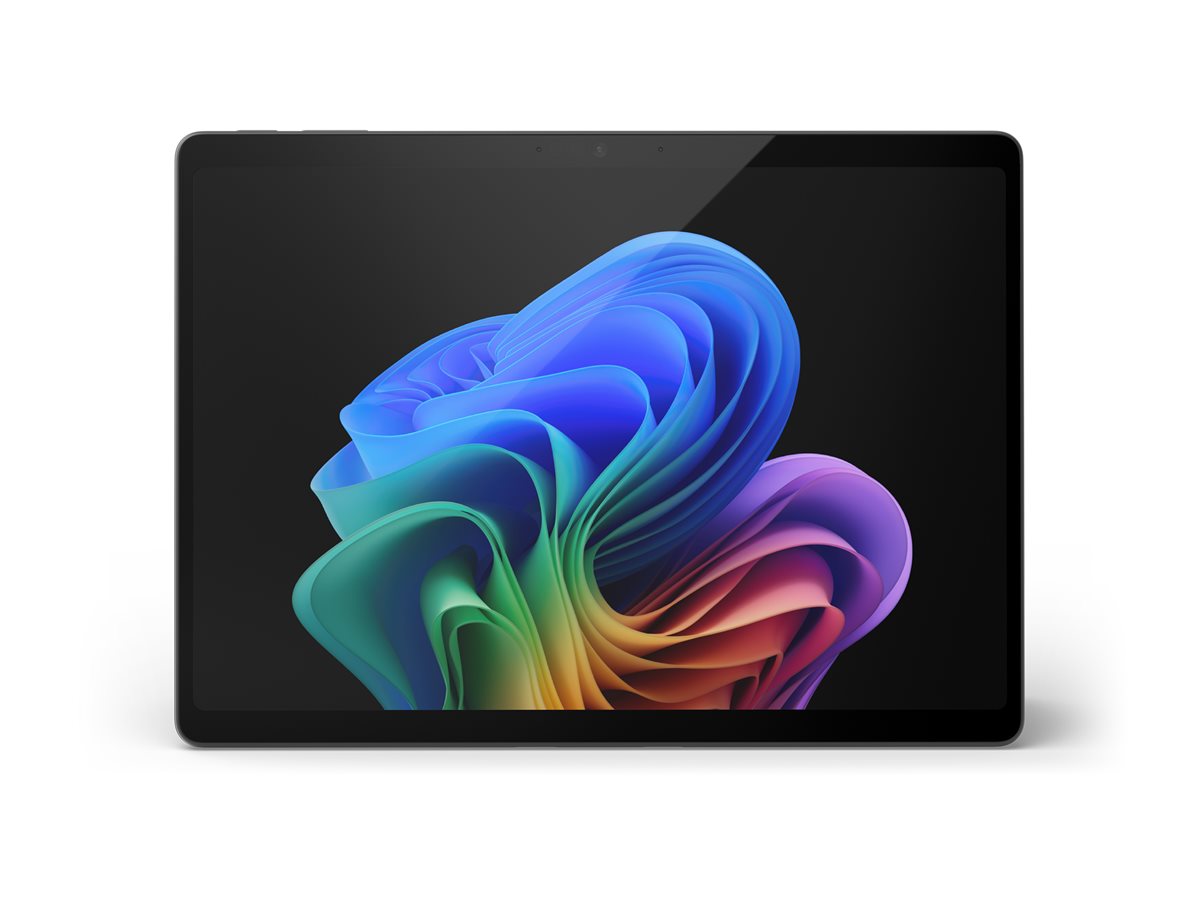
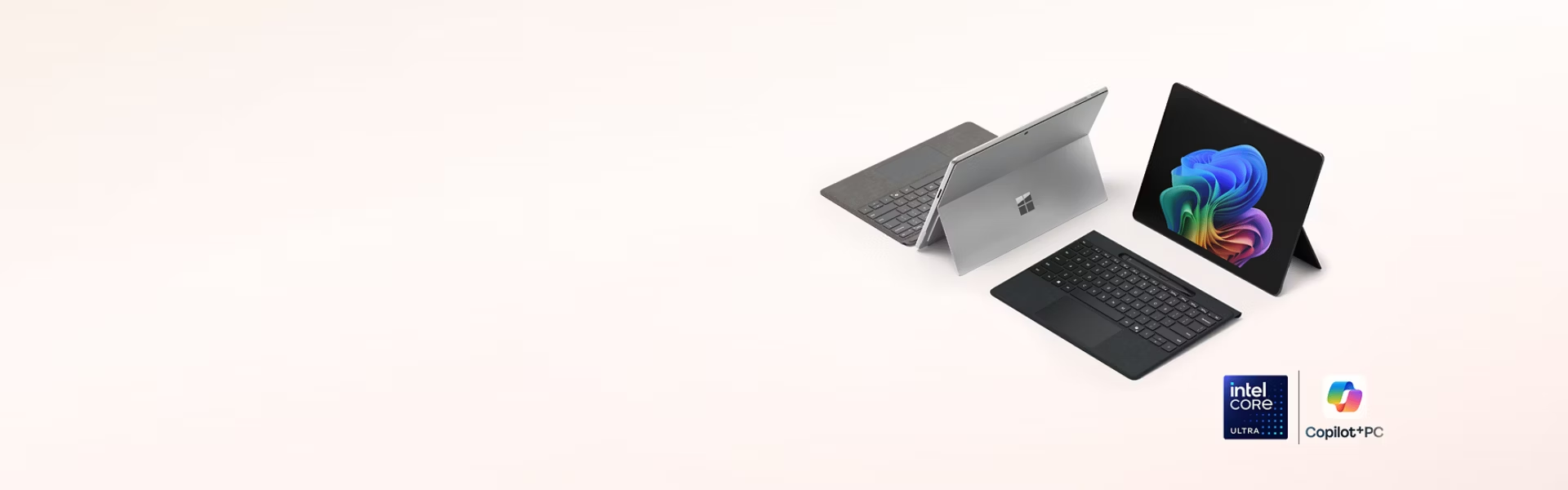
Microsoft Surface Pro for Business - 12th Edition - Copilot+ PC - tablet - Intel Core Ultra 5 - 335 / op til 4.6 GHz - Win 11 Pro - Intel Graphics - 16 GB RAM - 256 GB SSD - 13" touchscreen 2880 x 1920 @ 120 Hz - NFC, Wi-Fi 7, Bluetooth - sort
En bærbar computers ydeevne, en tablets fleksibilitet – en ultraportabel alt-i-én-enhed. Intel Core Ultra Series 3-processorer klarer krævende programmer og giver batteritid hele dagen, så du nemt kan klare selv de mest krævende arbejdsopgaver.
-
Product no 1004179279
Model EP2-48810
Brand Microsoft
Go to brand's websiteEAN 0196388626618
Weight 0.895 kg
-
Product information and specifications are guiding only. Without notice, these can be subject to change by the manufacturer. This applies for product images as well.
| Produktbeskrivelse | Microsoft Surface Pro for Business - 12th Edition - Copilot+ PC - 13" - Intel Core Ultra 5 - 335 - 16 GB RAM - 256 GB SSD |
| Produkttype | Tablet - Copilot+ PC - intet tastatur |
| Operativsystem | Win 11 Pro - Arabisk / Dansk / Hollandsk / Engelsk (UK) / Engelsk (US) / Finsk / Fransk / Tysk / Italiensk / Norsk / Polsk / Portugisisk / Spansk / Svensk |
| Processor | Intel Core Ultra 5 (Serie 3) - 335 / 2.2 GHz, op til 4.6 GHz / 12 MB Cache |
| Neural Processor Unit (NPU) | Intel AI Boost - op til 47 TOPS |
| Hukommelse | 16 GB LPDDR5X SDRAM |
| Lagring | 256 GB SSD |
| Billedskærm | 13" touchscreen 2880 x 1920 @ 120 Hz - 267 ppi |
| Grafik | Intel Graphics - op til 40 TOPS |
| Integreret webcam | Ja |
| Microsoft Copilot | Yes |
| Netværk | NFC, 802.11a/b/g/n/ac/ax/be, Bluetooth 5.4 |
| Batteri | 4-cellet - op til 17 timer |
| Egenskaber | Accelerationsmåler, magnetometer, gyroskop, omgivende farvesensor |
| Kan dockes | Ja |
| Sikkerhed | Trusted Platform Module (TPM 2.0) Security Chip with Microsoft Pluton |
| Farve | Sort |
| Dimensioner (B x D x H) | 20.9 cm x 0.93 cm x 28.7 cm |
| Vægt | 895 g |
| Lokalisering | Region: Belgien, Sydafrika, Luxembourg, Østrig, Danmark, Finland, Frankrig, Tyskland, Italien, Nederlandene, Norge, Polen, Portugal, Spanien, Sverige, Schweiz |
| Sjældne jordmaterialer | 100 % genbrugte sjælden jord-elementer |
| Specifik absorptionshastighed (SAR) | 0.72 W/kg (body)<br>3.27 W/kg (lem) |
| Producentgaranti | Begrænset hardwaregaranti - 1 år |
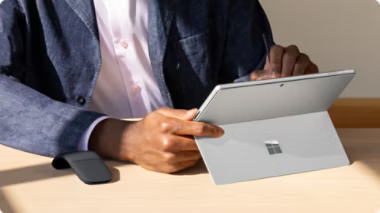
Surface Pro er to enheder i én
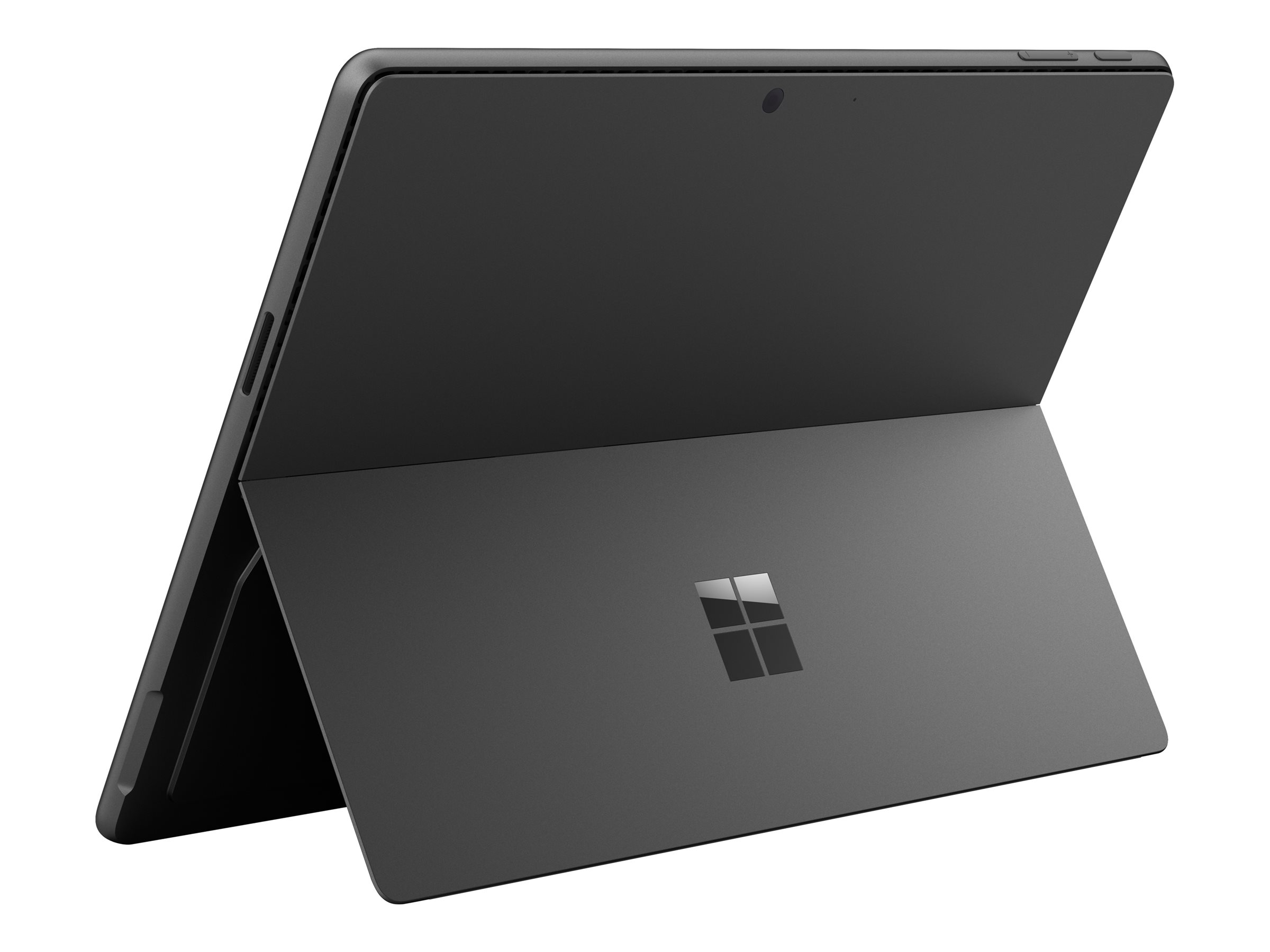
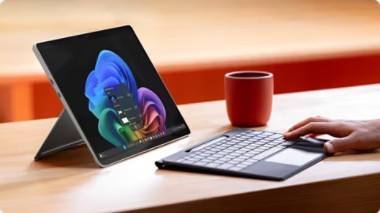
Skift mellem en tablet, du kan skrive og tegne på, og en bærbar computer, når du aktiverer det indbyggede stativ og parrer den med et hvilket som helst kompatibelt tastatur.
En fyldig, levende skærm
Se tydeligt, selv når du arbejder udendørs, på en 13-tommer PixelSense-touchskærm. Stryg, rul og skriv jævnt med en opdateringshastighed på op til 120 Hz.
Naviger på din måde – med pen, berøring eller stemme
Skift problemfrit mellem en naturlig digital skriveoplevelse og en touchscreen, der reagerer på intuitive bevægelser som træk og slip. Eller brug håndfri stemmekommandoer.
Forbedrede videosamtaler
Deltag i professionelle videosamtaler med det ultrabrede frontkamera, der er forbedret med AI-drevet Windows Studio Effects, og scan dokumenter og tag skarpe detaljer med et bagkamera i høj opløsning.
Multitask som en professionel med Intel
Intel Core Ultra Series 3-processorer leverer jævn og exceptionelt hurtig ydeevne til at håndtere krævende apps og udfordrende kreative arbejdsgange.
Udfør AI-opgaver uden besvær
Den indbyggede Neural Processing Unit (NPU) understøtter lokal behandling af AI-arbejdsbelastninger, hvilket aflaster CPU'en og giver hurtigere ydeevne og forbedret effektivitet, så du sparer tid på arbejdet.
Batteri, der holder hele dagen
Batteritid hele dagen gør det nemmere at arbejde hvor som helst og derefter genoplade på et øjeblik med hurtigopladning, der understøttes via Surface Connect eller USB-C.
Reducer forsinkelser med mere RAM og lagerplads
Med stor hukommelse og massiv lagerplads får du lynhurtige indlæsningstider samt læse- og skrivehastigheder. Et udskifteligt SSD-drev hjælper med at understøtte datalagring.
Hold forbindelsen med ultrahurtigt Wi-Fi og Bluetooth
Wi-Fi 7 og Bluetooth Core 5.4 giver utrolig hurtig trådløs forbindelse for ultrapålidelige forbindelser. Nyd problemfri opkald og problemfri parring med tilbehør.
Forvandl Pro til en komplet desktop-opsætning
Bliv mester i multitasking, når du udvider dit setup og aktiverer arbejdsgange med delt skærm – Surface Pro for Business understøtter eksterne skærme med kompatible dockingstationer eller via serieforbindelse.
Find din perfekte vinkel
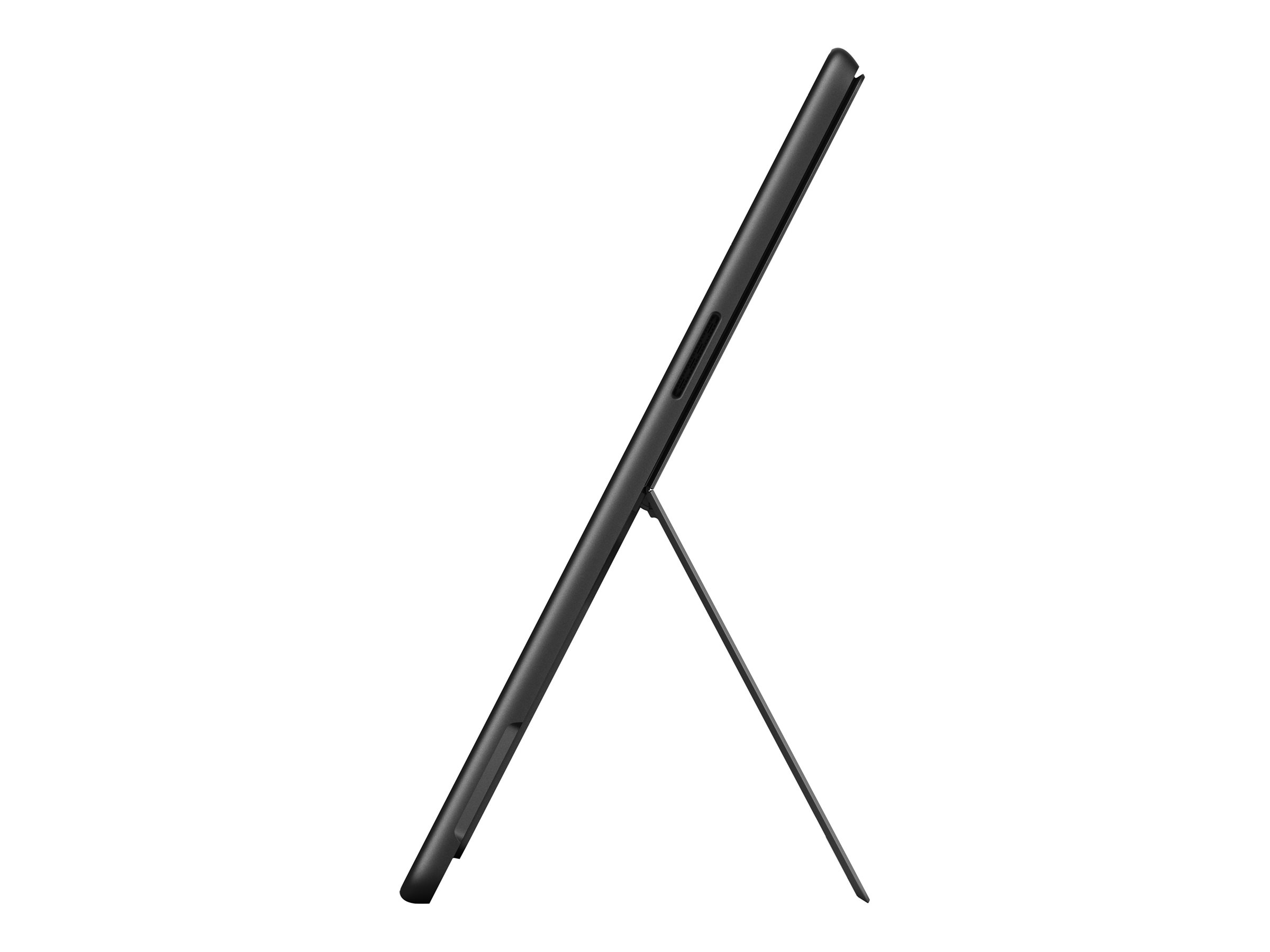
Juster det indbyggede stativ, så du kan arbejde på Pro som en bærbar computer eller en tablet i den mest behagelige vinkel.
Designet med en Zero Trust-tilgang
Sikkerhed er indbygget i enhedens hardware-, firmware- og softwarelag for at hjælpe med at reducere risikoen og strømline afhjælpning.
Beskyttelse lige fra start
Surface Pro for Business er en Secured-core-pc med Windows 11 Pro, der er designet til at beskytte dig mod nye og skiftende trusler med vigtige anbefalede Windows-sikkerhedsfunktioner aktiveret som standard.
Log ind uden adgangskode
Windows Hello-ansigtsgenkendelse, adgangsnøgler og NFC-læser giver stærk, adgangskodefri godkendelse, som hjælper med at beskytte brugeroplysninger og understøtter sikker adgang til data.
Bygget med sikkerhed som højeste prioritet
Surface-enheder er sikre i design, sikre som standard og sikre i drift – bygget til at understøtte din virksomheds compliance-mål og levere pålidelig sikkerhed fra chip til cloud.
Surface Pro for Business, 13-inch (12th Edition) | Intel
Design that adapts to your workstyle
.png)
.png)
Surface Pro is two devices in one
A rich, vivid display
.png)
.png)
Navigate your way — pen, touch, or voice
Enhanced video calling
Power to perform anywhere
.png)
.png)
Multitask like a pro with Intel®
Take on AI tasks effortlessly
Unplug with up to 17 hours of battery
Reduce lag with more RAM and storage
Work from anywhere with optional 5G
Stay connected with ultra-fast Wi-Fi & Bluetooth®
Unmatched flexibility, built-in accessibility
.png)
Transform Pro into a full desktop setup
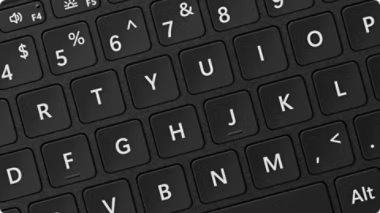
Find your perfect angle
A flexible 2-in-1 keyboard
Control and comfort you can feel
Bold keyset option available
Secured by default to help keep your business safe
.png)
.png)
Designed with a Zero Trust mindset
Out-of-the-box protections
.png)
.png)
Sign in without a password
Built for security above all else
Built-in AI productivity for smarter work
.png)
.png)
.png)
Interact with Copilot your way
Get more done with Microsoft 365 Copilot
Quickly find what you’re looking for
.png)
.png)
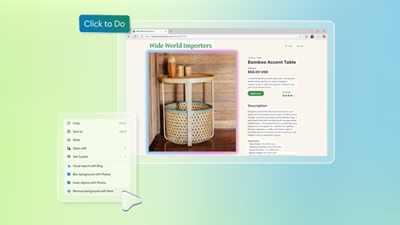
Stay in your flow with Click to Do
Customize your Copilot
Connect across languages with live captions
Frequently asked questions
What is a Copilot+ PC?
Does Surface come with 5G?
What is the best Surface Pro for business and personal use?
What are good lightweight business laptops with Microsoft Office and productivity tools?
What is the difference between Intel & Qualcomm Snapdragon<sup>®</sup> processors?
What is the difference between LCD and OLED?
Can I turn off Copilot/AI features?
When is Recall going to be available?
What are the differences between consumer and “for business” devices?
Which keyboard is right for my device?
How can I check if an accessory is compatible with my device?
[1] Based on local video playback test. Battery life varies significantly with settings, usage, ambient lighting, and other factors.
[2] 5G not available in all areas. Compatibility and performance depend on carrier network, plan and other factors. See carrier for details and pricing.
[3] Pen and keyboard sold separately.
[4] OLED is only available with Intel® Core™ Ultra 7 processor configurations.
[5] Surface display has rounded corners within a standard rectangle. When measured as a standard rectangular shape the screen is 13 inches diagonally (actual viewable area is less).
[6] Copilot+ PCs feature. Requires built-in camera; available effects vary by device.
[7] Fast charging is supported with minimum 65W Surface Power Supply or minimum 60W USB Type-C® PD charger or higher, sold separately. Testing conducted by Microsoft in February 2026.
[8] System software uses significant storage space. Available storage is subject to change based on system software updates and apps usage. 1GB = 1 billion bytes. 1TB = 1,000 GB. See Surface storage options for more details.
[9] Drive Retention is only available on Microsoft Surface devices in which the Drive is marketed as removable in the technical specifications. Devices returned without a drive may incur a replacement fee unless covered by a Drive Retention benefit (sold separately). Available plans and options may vary by device and region.
[10] 6GHz band not available in all regions.
[11] Supporting three external displays requires either two displays connected to a compatible dock or connected through daisy chain.
[12] Sold separately. Software license required for some features.
[13] Detached use requires Windows 11.
[14] Bold keyset option available only in US English.
[15] NFC available with Wi-Fi only models.
[16] Copilot key feature availability varies by market.
[17] Voice focus requires activation, requires Windows 11 and is available in apps which use integrated device microphones and use certain Windows audio processing modes.
[18] Microsoft 365 Copilot license required. Supports multiple languages; some features only available in English.
[19] Requires eligible Microsoft 365 license. File upload and image generation limits apply.
[20] Improved Windows search works with specific text, image, and document formats only; optimized for select languages [English, Chinese (Simplified), French, German, Japanese, and Spanish].
[21] Copilot+ PC feature. Image actions now available across devices; other actions vary by device, region, language, and character sets. Subscription required for some actions. Some actions require a subscription.
[22] Requires Microsoft 365 along with tenant and per user licensing.
[23] Translation for video and audio subtitles into English from 40+ languages and from 27 languages into Chinese (Simplified).
[24] The Surface Pro for Business display has been designed to minimize unwanted reflections and has been certified by TÜV SÜD to meet the requirements of ISO 9241-307.
https://www.microsoft.com/surface/da-dk/support?productId=110668454
Skulle der opleves yderligere problem kan Mircosoft support kontaktes igennem deres serviceportal eller på telefon 82333100
Serviceportal: https://www.microsoft.com/surface/da-dk/support/business
RMA
For håndtering og oprettelse af Microsoft garanti.Kontakt Microsoft tekniske support på 82 33 31 00