


Log in to your account here or sign up as a customer here.
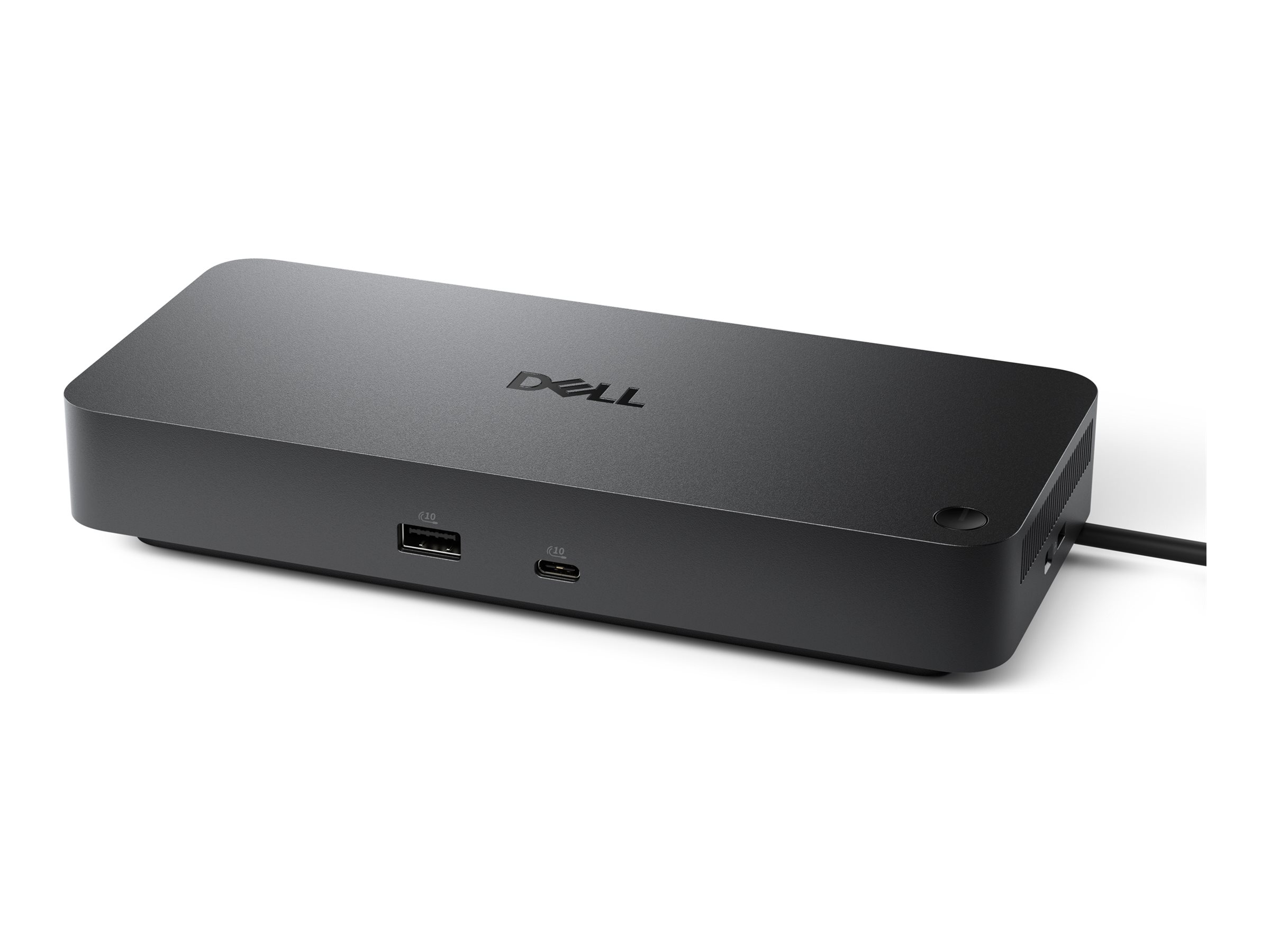
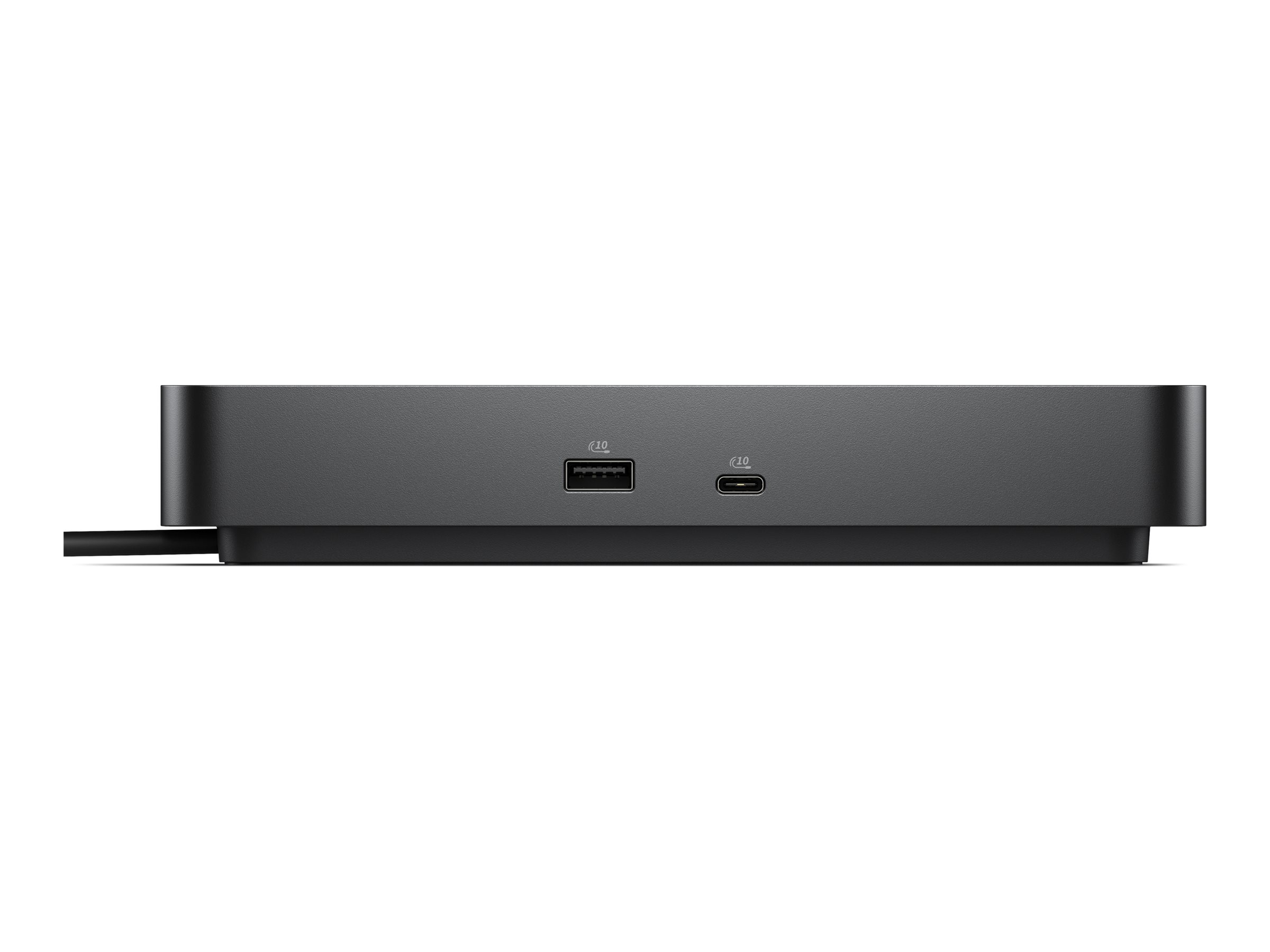
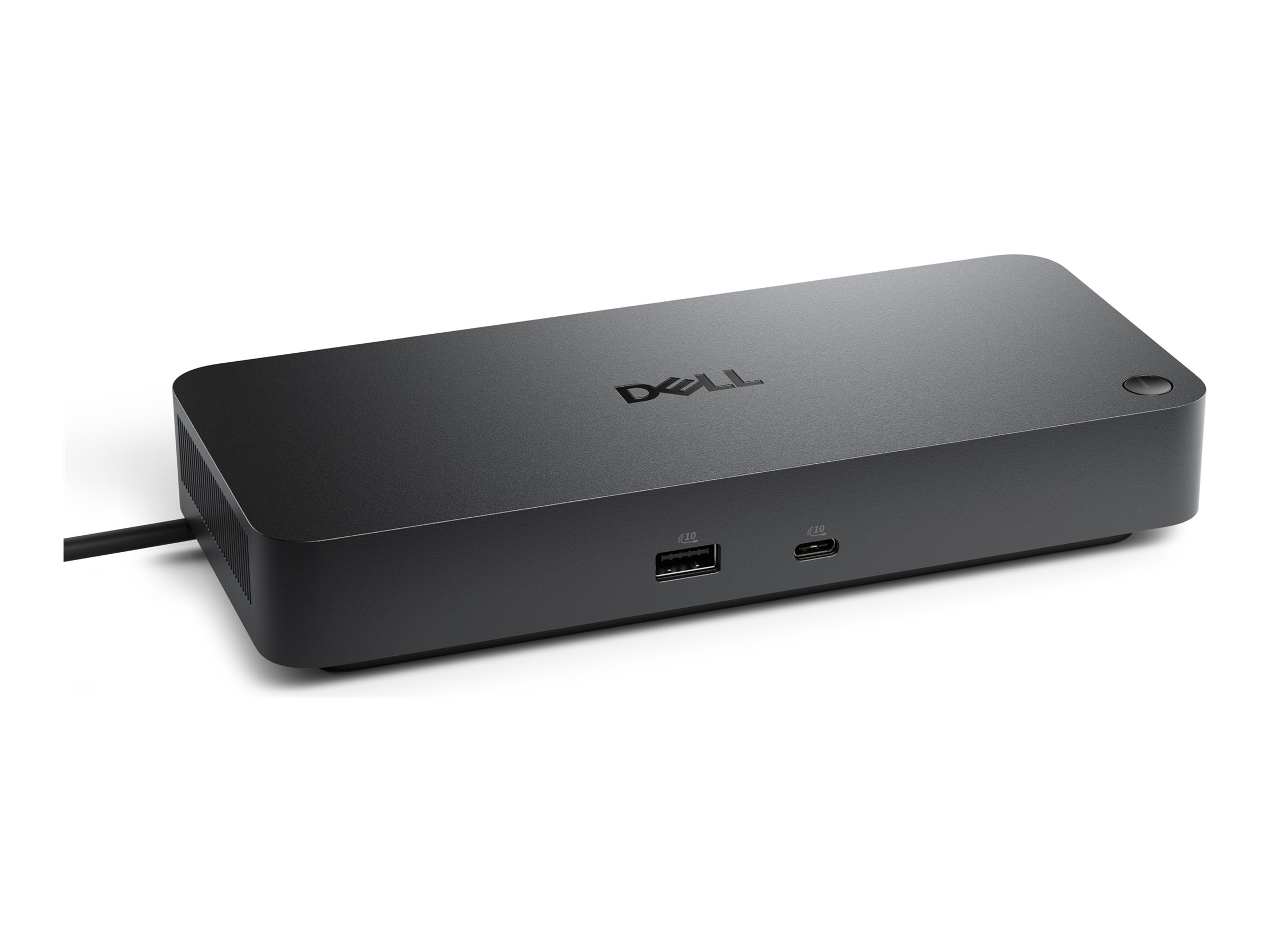
Dell Pro Thunderbolt 4 Dock WD25TB4 Thunderbolt 4 Dockingstation
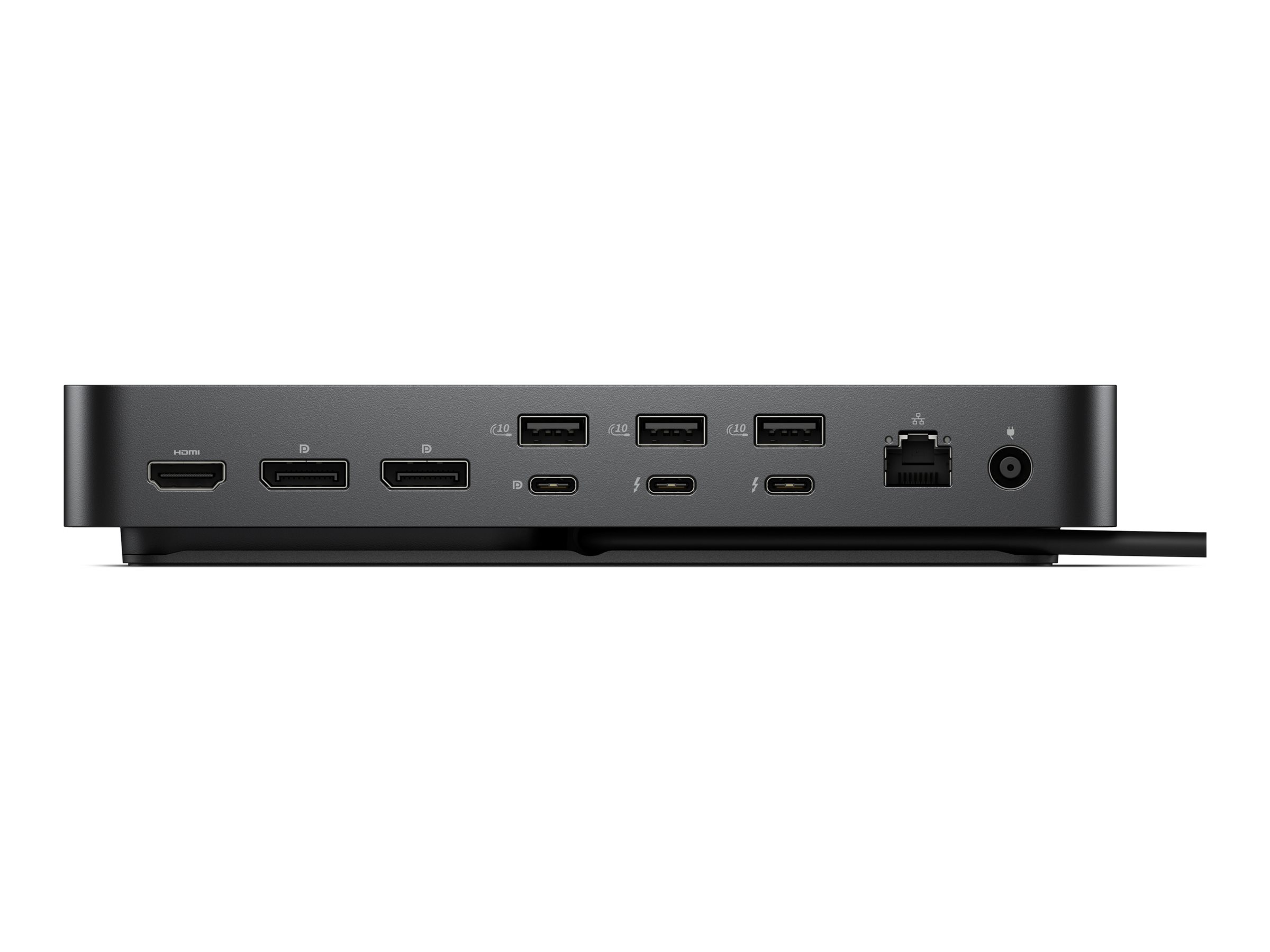
Dell Pro Thunderbolt 4 Dock WD25TB4 - Dockingstation - Thunderbolt 4 - HDMI, 2 x DP, USB-C, 2 x Thunderbolt 4 - 1GbE, 2.5GbE - 180 Watt - BTO - med 3 års Advanced Exchange Service
Dell Pro Thunderbolt 4 Dock WD25TB4 tilbyder tilslutningsmuligheder for en problemfri computeroplevelse. Med flere interfacetyper, herunder Thunderbolt 4, USB 3.2 Gen 2 og HDMI, er denne dockingstation designet til at imødekomme forskellige behov. Den understøtter skærme med høj opløsning med kapaciteter op til 8K, hvilket sikrer, at alle detaljer gengives. Brugere kan opleve 130 W strømforsyning til Dell-systemer sammen med 96 W til ikke-Dell-enheder, hvilket muliggør effektiv opladning, mens flere perifere enheder er tilsluttet.
-
Product no 1003760401
Model DELL-WD25TB4
Brand

Go to brand's websiteEAN 5397321029052
Weight 1.62 kg
-
Product information and specifications are guiding only. Without notice, these can be subject to change by the manufacturer. This applies for product images as well.
| Produktbeskrivelse | Dell Pro Thunderbolt 4 Dock WD25TB4 - dockingstation - Thunderbolt 4 - HDMI, 2 x DP, USB-C, 2 x Thunderbolt 4 - 1GbE, 2.5GbE |
| Produkttype | Dockingstation |
| Docking-interface | Thunderbolt 4 |
| Videointerfacer | HDMI, 2 x DP, USB-C, 2 x Thunderbolt 4 |
| Dimensioner (B x D x H) | 20.5 cm x 9 cm x 3.53 cm |
| Vægt | 567 g |
| Netværk | Gigabit Ethernet, 2.5 Gigabit Ethernet |
| Effekt | Strømforsyningsadapter AC 100-240 V (50 - 60 Hz) 180 Watt Strømforsyning (19.5 V) |
| Pristype | BTO |
| Karbonfodaftryk | 93 kg karbonudledning |
| Servicepakker | 3 års Advanced Exchange Service |
Alsidige tilslutningsmuligheder
Denne dockingstation har flere forskellige typer grænseflader, herunder Thunderbolt 4 og HDMI, som understøtter en lang række enheder og perifere enheder, hvilket gør den til et fleksibelt valg til ethvert arbejdsområde.
Understøttelse af skærme med høj opløsning
Dockingen understøtter opløsninger op til 8K, hvilket giver enestående klarhed og detaljer i den visuelle output, hvilket er afgørende for grafikintensive opgaver.
Effektiv strømforsyning
Denne dock leverer 130 W strøm til Dell-systemer og 96 W til ikke-Dell-systemer, hvilket sikrer, at enhederne oplades effektivt, mens de er tilsluttet andre perifere enheder.
Forbedrede IT-administrationsfunktioner
Funktioner såsom fjernstyret IT-administration og muligheden for at udføre firmwareopdateringer uden en pc bidrager til strømlinede operationer og forbedret produktivitet i forretningsmiljøer.
Integreret kabeldesign
Det integrerede Thunderbolt 4-kabel forenkler opsætningen ved at reducere kabelrod, hvilket giver et mere organiseret og ryddeligt arbejdsområde.
.jpg)
.png)
Dell Pro Thunderbolt 4 Dock - WD25TB4
Drive unmatched power to your workspace with the latest Thunderbolt 4 dock, featuring up to 130W power delivery..png)
.png)
.png)
.png)


Video Resolution
3840 x 2160Interfaces
Thunderbolt 4OS Required
Windows 10

Cables
83 cmFeatures / Data Link Protocol
Power Delivery Pass-through.jpg)
.jpg)
Accelerate manageability
Enhance IT efficiency across the modern workspace.Improved manageability
Manage your dock through the Dell Device Management Console, using the Dell Display and Peripheral Manager along with the Dell Device Management Agent installed on your PC.Simplify firmware updates
Reduce IT complexity by deploying a single firmware file across workspaces. Minimise end-user disruption with silent firmware updates, executed upon dock disconnection.Work with confidence
Enhance your docking experience across brands with universally compatible features including MAC Address Pass-Through and Power Button Sync[1]..jpg) 0:09
0:09Connect your way
Configure your workspace to your liking with an ambidextrous USB-C cable[2] that can be routed left or right..jpg)
Improved sustainability
The new generation of Dell Pro Docks reflect a commitment to sustainable design innovation to reduce environmental impact. The WD25TB4 is built with sustainable materials and packaged with at least 65% post-recycled content (PCR) plastic[3] and 100% recycled or renewable packaging[3]..jpg)