


Log in to your account here or sign up as a customer here.
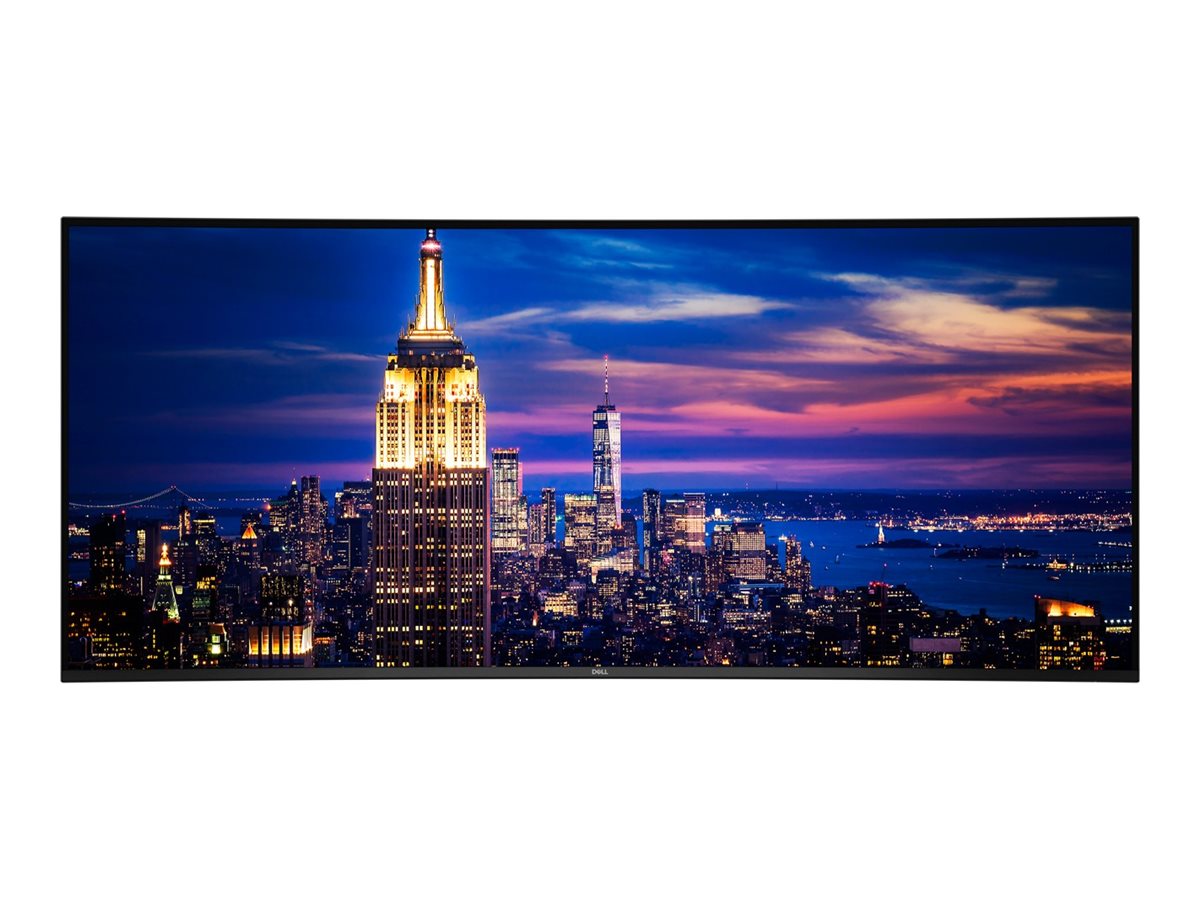
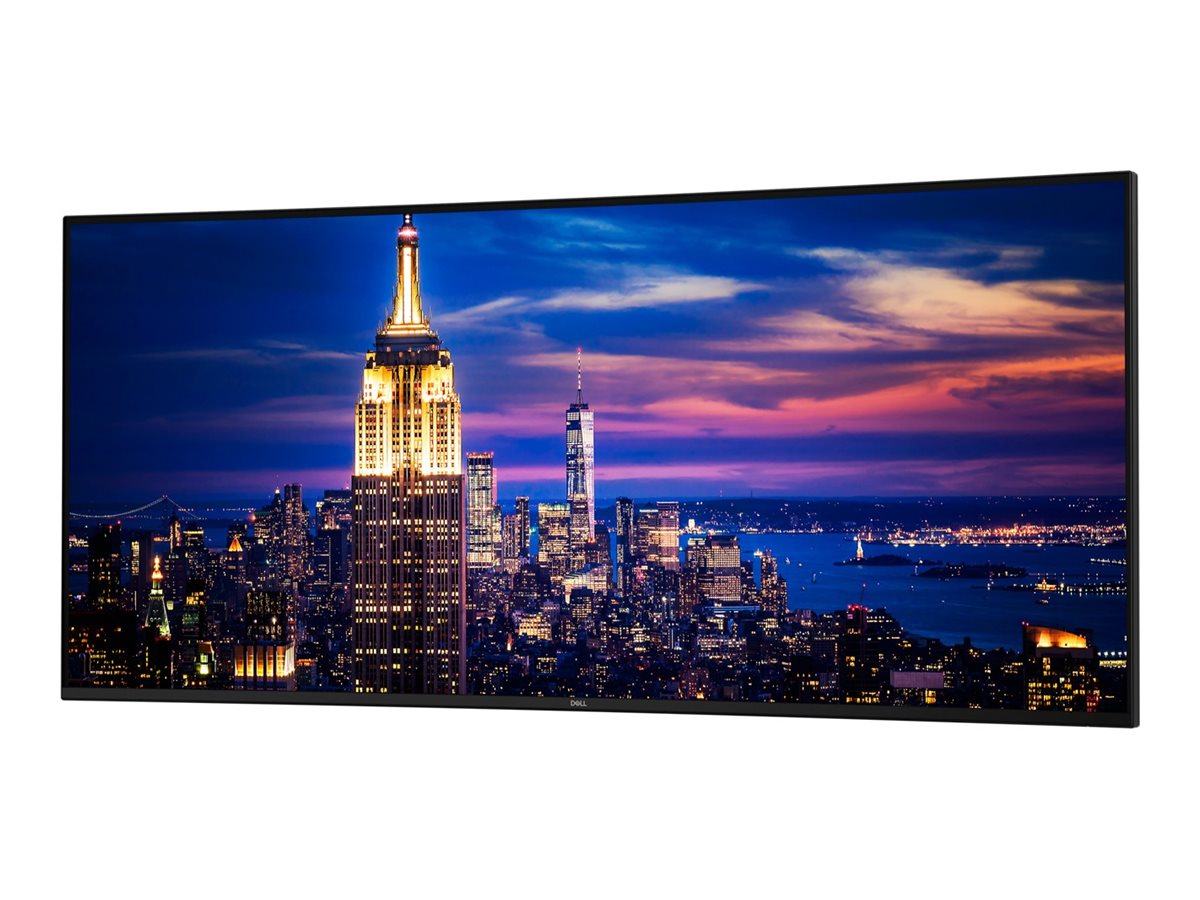
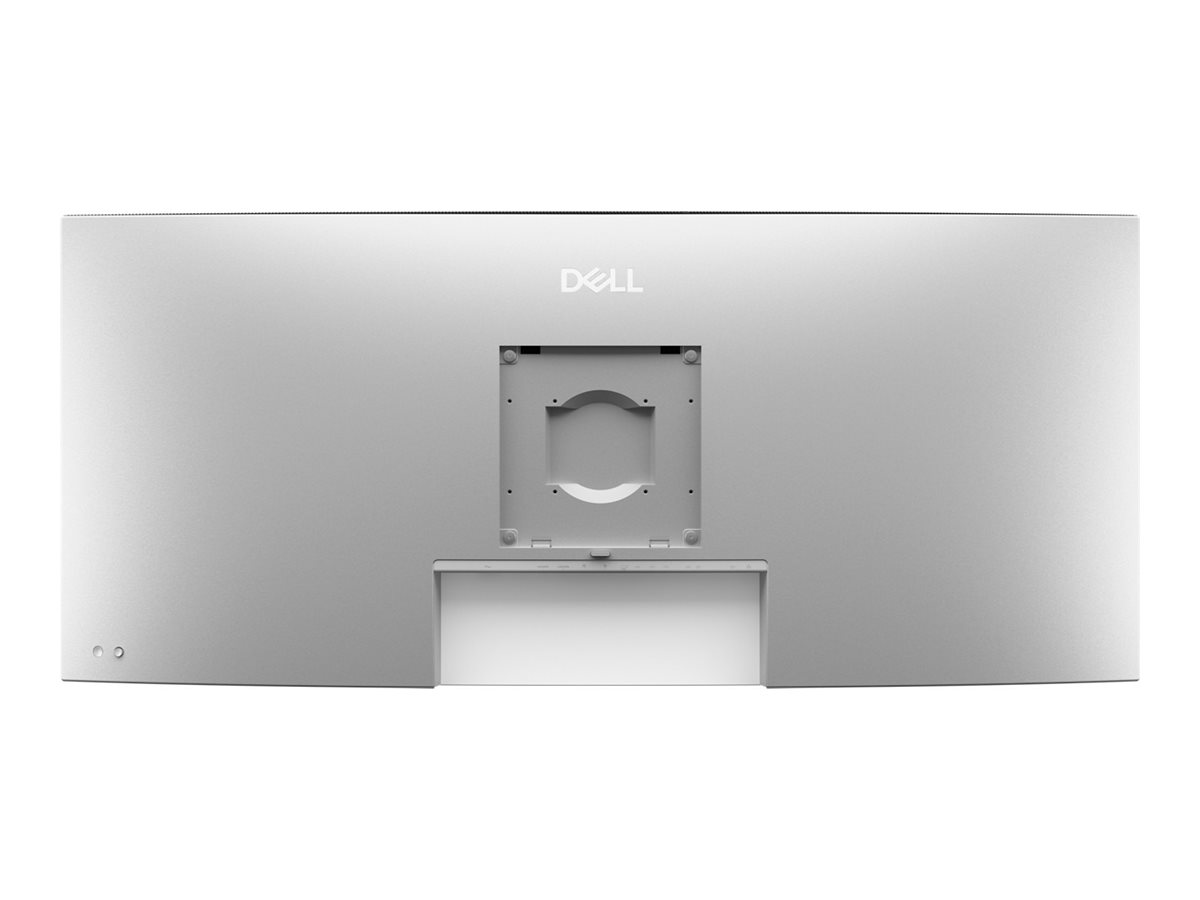
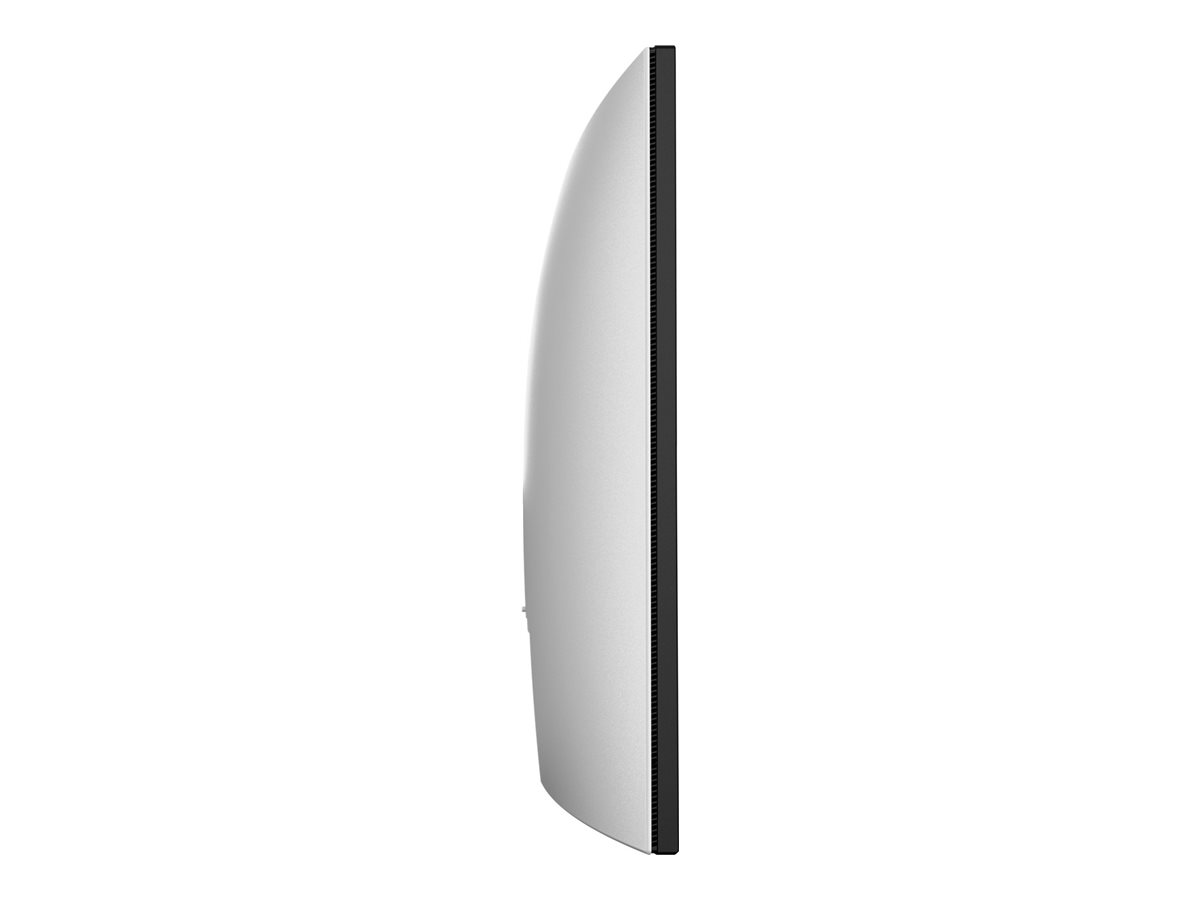
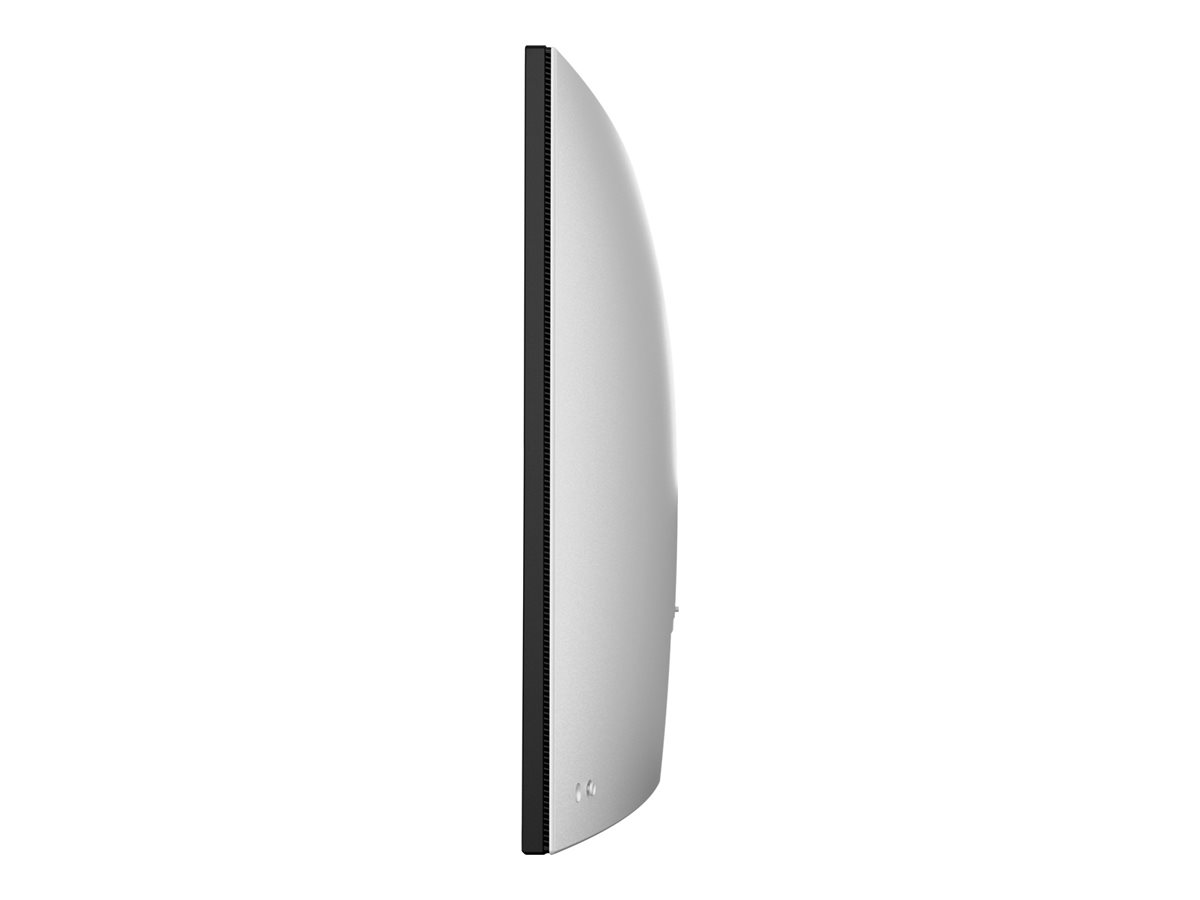

DELL UltraSharp U5226KW 132,1 cm (52") IPS Black 6144 x 2560 pixel HDMI DisplayPort 120 Hz
Dell UltraSharp U5226KW - LED-skærm - 52" (51.5" til at se) - 6144 x 2560 6K @ 120 Hz - IPS Black - 400 cd/m² - 2000:1 - 5 ms - Thunderbolt 4, 2xHDMI, 2xDisplayPort - højtalere
Dell UltraSharp U5226KW er designet til dem, der søger en omfattende skærmoplevelse med sin 52-tommer LED-baggrundsbelyste LCD-teknologi. Med en oprindelig opløsning på 6144 x 2560 og et bredt farvespektrum på 100 % sRGB og 99 % DCI-P3 leverer denne skærm billeder, der er velegnede til professionelt og kreativt arbejde. Den er udstyret med en række indgange, herunder Thunderbolt 4 og flere HDMI- og DisplayPort-muligheder, hvilket giver problemfri og alsidig tilslutning.
-
Product no 1003883319
Model DELL-U5226KW
Brand

Go to brand's websiteEAN 5397321025153
Weight 34.9 kg
-
Product information and specifications are guiding only. Without notice, these can be subject to change by the manufacturer. This applies for product images as well.
| Produktbeskrivelse | Dell UltraSharp U5226KW - LED-skærm - 6K - 52" |
| Enhedstype | LED-baggrundsbelyst LCD-skærm - 52" |
| Energimærke QR-kode URL | Https://eprel.ec.europa.eu/qr/2415042 |
| Energiklasse | Klasse G |
| Egenskaber | USB 3.2/USB-C hub, USB PD 140 watt |
| Paneltype | IPS Black |
| Formatforhold | 21:9 |
| Standard opløsning | 6K 6144 x 2560 ved 120 Hz |
| Pixel Pitch | 0.19644 mm |
| Lysstyrke | 400 cd/m² |
| Kontrastforhold | 2000:1 |
| Responstid | 5 ms (grå til grå hurtig), 8 ms (grå til grå normal) |
| Farve support | 1,07 milliarder farver |
| Farvespektrum | 100% sRGB (CIE 1931), 99% DCI-P3 (CIE 1976), 100% BT.709 (CIE 1931), 99% P3 (CIE 1976) |
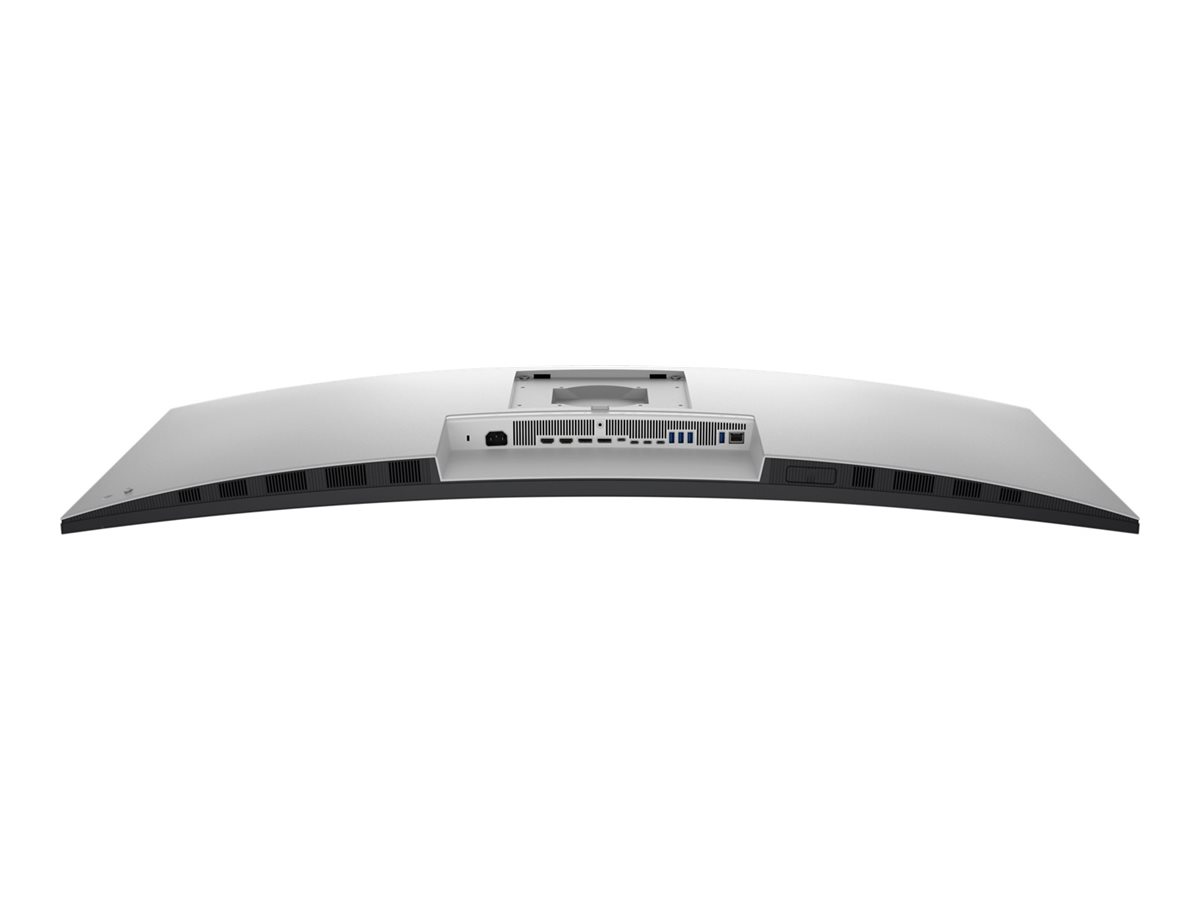
| Input-stik | Thunderbolt 4, 2xHDMI, 2xDisplayPort |
| Indbygget Ethernet | Ja |
| Skærmbelægning | Blændfri, 3H Hard Coating, lavreflektionsbelægning |
| Spænding | AC 100-240 V (50/60 Hz) |
| Dimensioner (B x D x H) - med stander (højeste position) | 122.332 cm x 25.5 cm x 66.679 cm |
| Vægt | 17.76 kg |
| Miljømæssige standarder | TCO Certified Edge Displays, TCO Certificeret, generation 10, til skærme, ENERGY STAR kvalificeret EPEAT Gold |
| Karbonfodaftryk | 1010 kg karbonudledning |
| Overensstemmelsesstandarder | Plug and Play, RoHS, TUV Rheinland Low Blue Light Certification, BFR-fri, PVC-free |
Fantastisk visuel klarhed
Dell UltraSharp U5226KW har en indbygget opløsning på 6144 x 2560, hvilket giver detaljer og klarhed til alle applikationer. Denne opløsning kombineret med en pixeltæthed på 129 PPI sikrer skarpe billeder, uanset om du arbejder på designprojekter eller nyder multimedieindhold.
Omfattende farvestøtte
Med understøttelse af 1,07 milliarder farver og imponerende farvedækning, herunder 100 % sRGB og 99 % DCI-P3, kan brugerne forvente nøjagtig og levende farvegengivelse. Dette gør skærmen velegnet til grafisk design, videoredigering og andre farvekritiske applikationer.
Alsidige tilslutningsmuligheder
Med en bred vifte af indgangsoptioner, herunder Thunderbolt 4, to HDMI-porte og to DisplayPort-tilslutninger, tilbyder denne skærm fleksibilitet til forskellige enheder. Derudover har den en indbygget USB-hub, der gør det nemt at tilslutte perifere enheder.
Miljøvenligt design
Denne skærm er designet med bæredygtighed for øje og har opnået EPEAT Gold-certificering. Derudover sikrer ENERGY STAR-certificeringen, at den fungerer energieffektivt, hvilket gør den til et godt valg for miljøbevidste brugere.
Forbedret brugerkomfort
Dell UltraSharp U5226KW er udstyret med en antirefleks- og lavrefleksbelægning, der giver en behagelig visning under forskellige lysforhold. Den har også TUV Rheinland Low Blue Light-certificering, der hjælper med at reducere belastningen af øjnene ved langvarig brug.
.jpg)
.png)
.png)
.png)
.png)
.png)
.png)
.png)
3D / Augmented Reality



Diagonal Size
51.5"Resolution / Refresh Rate
6144 x 2560 at 120HzPanel Technology
In-plane Switching (IPS) Black Technology


Adjustability
HeightColor Gamut
99% DCI-P3 (CIE 1976)100% sRGB (CIE 1931)100% BT.709 (CIE 1931)99% Display P3Ports
2 HDMI port/s (HDCP 2.2) (Supports up to 6144 x 2560, 120 Hz, VRR, , as specified in HDMI 2.1 (FRL))2 DisplayPort 1.4 (HDCP 2.2) port/s4 USB Type-A 10Gbps downstream port/s3 USB-C 10Gbps upstream port/s1 Thunderbolt 4 40Gbps upstream port/s (DisplayPort 1.4 Alt Mode, Power Delivery up to 140 W EPR)1 RJ45 Ethernet port/s, 2.5GbE1 USB Type-A 10Gbps downstream port/s with Battery Charging 1.22 USB-C 10Gbps downstream port/s, Power Delivery up to 27 WThe Dell UltraSharp 52 Thunderbolt Hub Monitor
.jpg) 0:12
0:1221:9
aspect ratio129
pixels per inchIPS Black
2000:1 contrast ratio.jpg)
.jpg)
.jpg)
Reduces blue light
The world’s first monitor to achieve TÜV category one hardware low blue light certification[3], reducing harmful blue light emissions to ≤20% for all day eye comfort without sacrificing colour accuracy. This is up to 60% less exposure than competitors[3].Adapts to your environment
A built-in Ambient Light Sensor intelligently adjusts brightness and colour temperature to suit your surroundings, delivering consistent comfort day or night.Smoother visual experience
Enjoy less flicker and seamless scrolling with a 120Hz refresh rate, creating smoother motion..jpg)
.jpg)
.jpg)
.jpg)
.jpg)
.jpg)
.jpg)
Thunderbolt 4
Power your devices with a single cable connection with up to 140W EPR (Extended Power Range) enabled by Thunderbolt 4.Extensive connectivity
Connect all your devices with a multitude of ports, including a pop-out quick access module featuring two USB-C ports (up to 27W power delivery) and one USB-A port.Stable connection
Connect to the Ethernet with a built-in RJ45 port with up to 2.5GbE. The Ethernet Switch mode feature gives you the flexibility to lock the wired Ethernet to a chosen PC while continuing to share one set of peripherals to control multiple PCs..jpg)
Quick and simple setup
Replace a multiple monitor setup with a single, lightweight monitor for easier installation and reduced setup time. The 2m Thunderbolt cable powers your laptop and keeps your desk clutter-free with a single connection.IT-friendly flexibility
Use the stand in the box for immediate setup or opt for a without stand option for VESA mounting flexibility. The Dell Pro Heavy Duty Single Arm - HDA26 is available for purchase separately from February 2026..jpg)
.jpg)
Intentional design in every part
At the heart of our design is a commitment to sustainability. That's why our monitor helps reduce waste with a design made from recycled materials, with up to 90% post-consumer recycled plastic, 100% recycled aluminium, 50% recycled steel, and 20% recycled glass[7].Environmental standards
This monitor is certified ENERGY STAR®, is registered EPEAT Gold with Climate+, and carries the latest TCO Certification, as well as being TCO Certified Edge, ensuring the use of safer materials, renewable energy use, and extended product life[8].Seamlessly modernise your tech
We can help you responsibly and securely retire your legacy IT equipment, regardless of brand, while addressing your sustainability goals.Packaging with purpose
This monitor ships in a box made from 100% recycled or renewable materials. We are reducing paper usage in monitor packaging, which is equivalent to saving 545 trees annually[9]..png)
.png)
.png)
.png)
Rear view
1. Security lock slotCables included
- Power cable
- DisplayPort 1.4 cable - 1.80 m
- HDMI 2.1 cable - 1.80 m
- USB-C to USB Type-A 10Gbps cable - 1.0 m
- Thunderbolt 4 40Gbps active cable - 2.0 m
.jpg)
.jpg)
- With stand and cables: 18.23 kg (40.19 lb)[10]
- Without stand and cables: 12.95 kg (28.57 lb)[10]

A brand you can rely on
As the No.1 monitor company worldwide[11], we take pride in our unyielding commitment to quality and the utmost customer satisfaction.http://www.dell.com/support/home/dk/da/dkbsdt1/?c=dk&l=da&s=bsd&~ck=mn
Teknisk support: 70 23 01 82
Bemærk: Enkelte produkter forekommer med tysk manual i stedet for Dansk.
RMA
For håndtering og oprettelse af Dell garantiKontakt Dell på 70 23 01 82
Har du dit service tag, så benyt formularen så bliver du videre sendt til den rigtige afdeling.
http://www.dell.com/support/incidents/dk/da/dkdhs1/Phone/Phonetagentry