


To gain full access to our webshop, find our entire product range and see our prices, you need to be logged in.
Log in to your account here or sign up as a customer here.
Log in to your account here or sign up as a customer here.
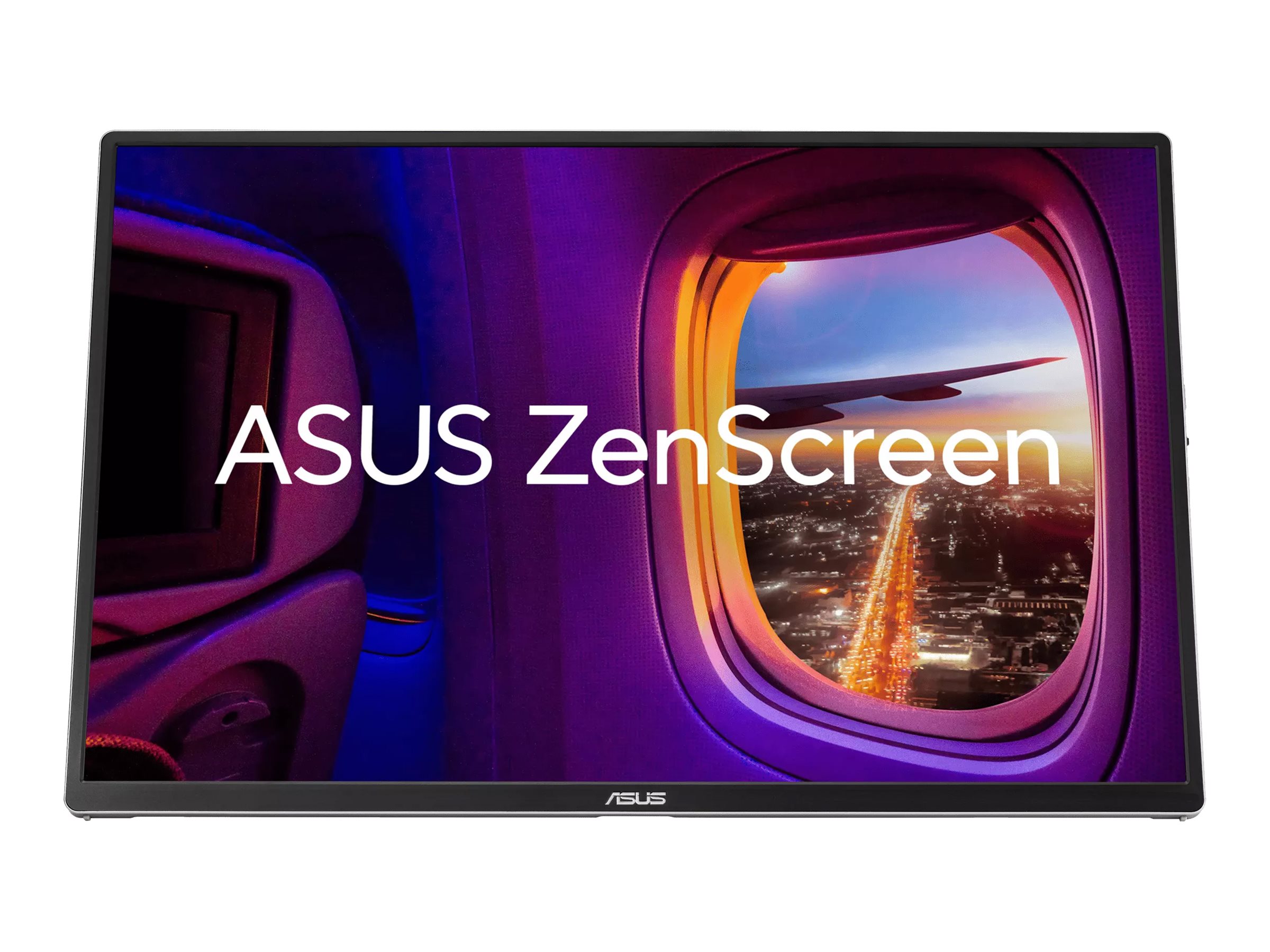
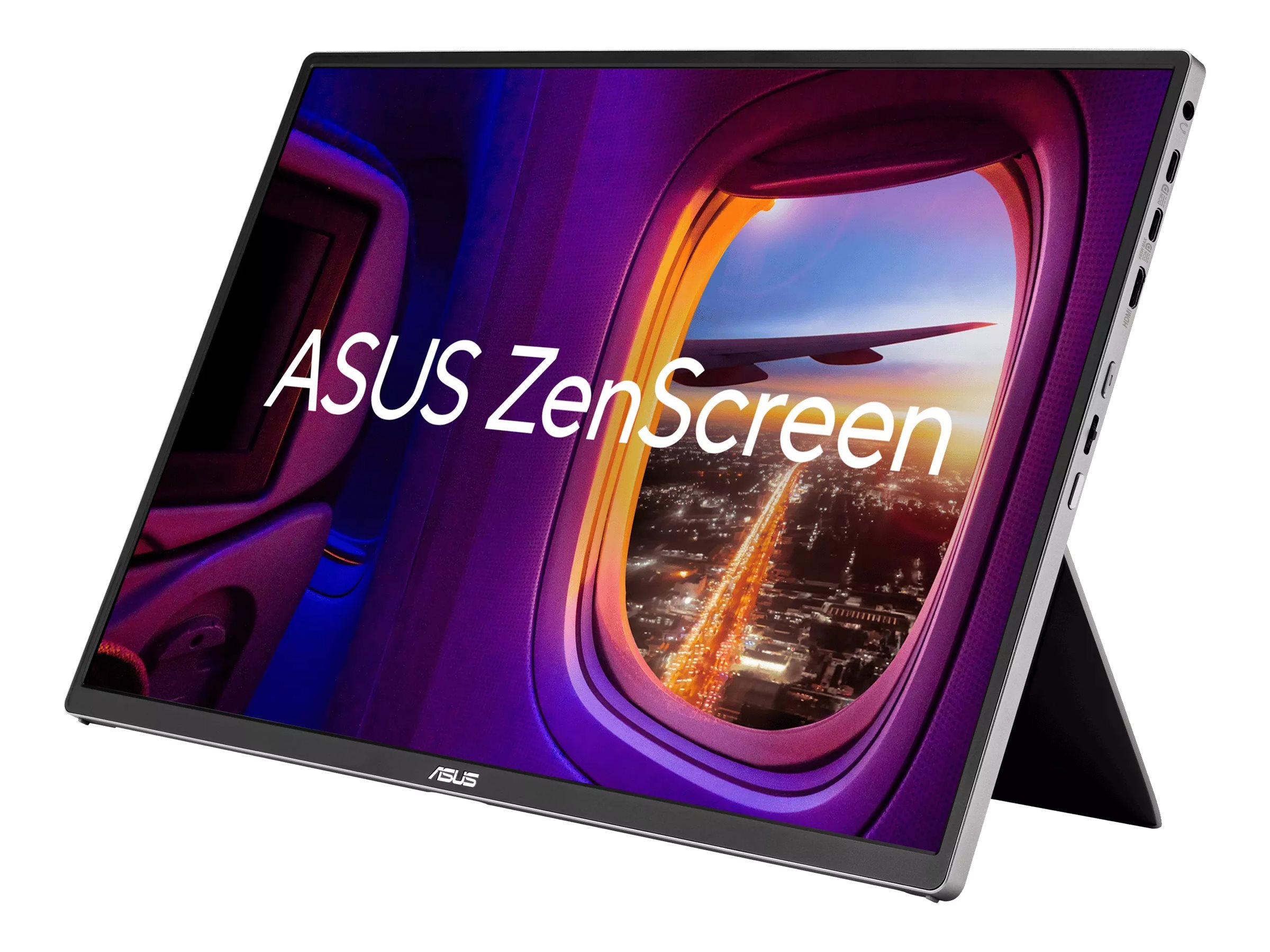
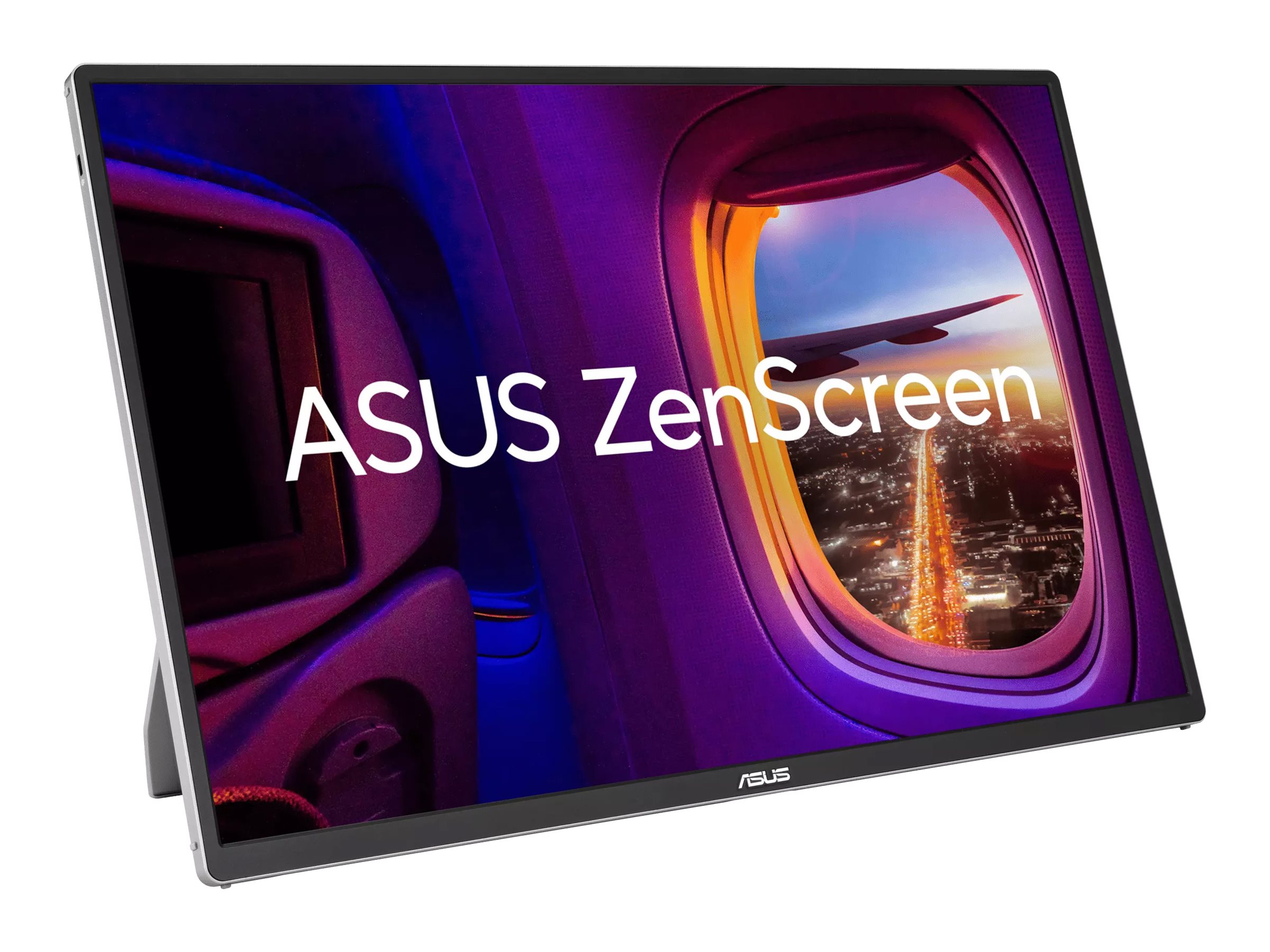
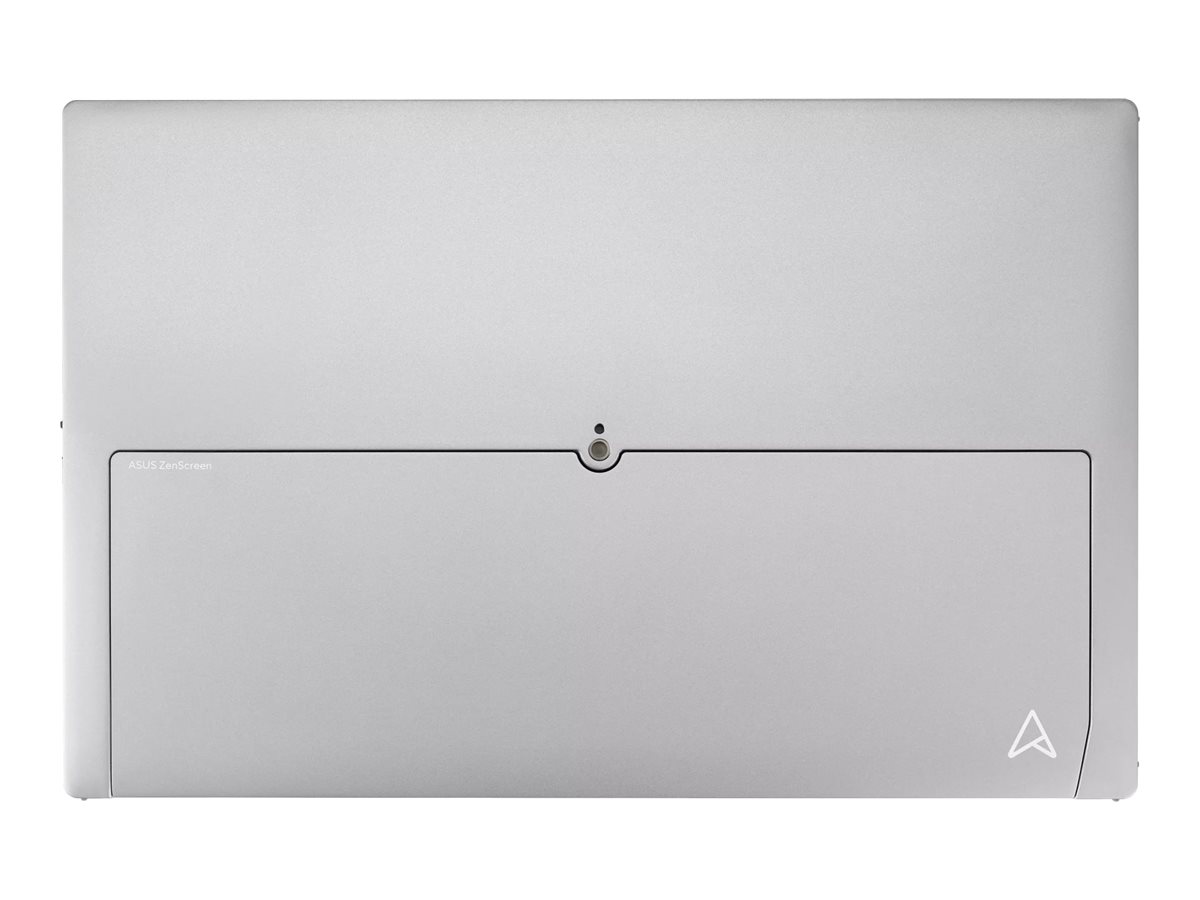
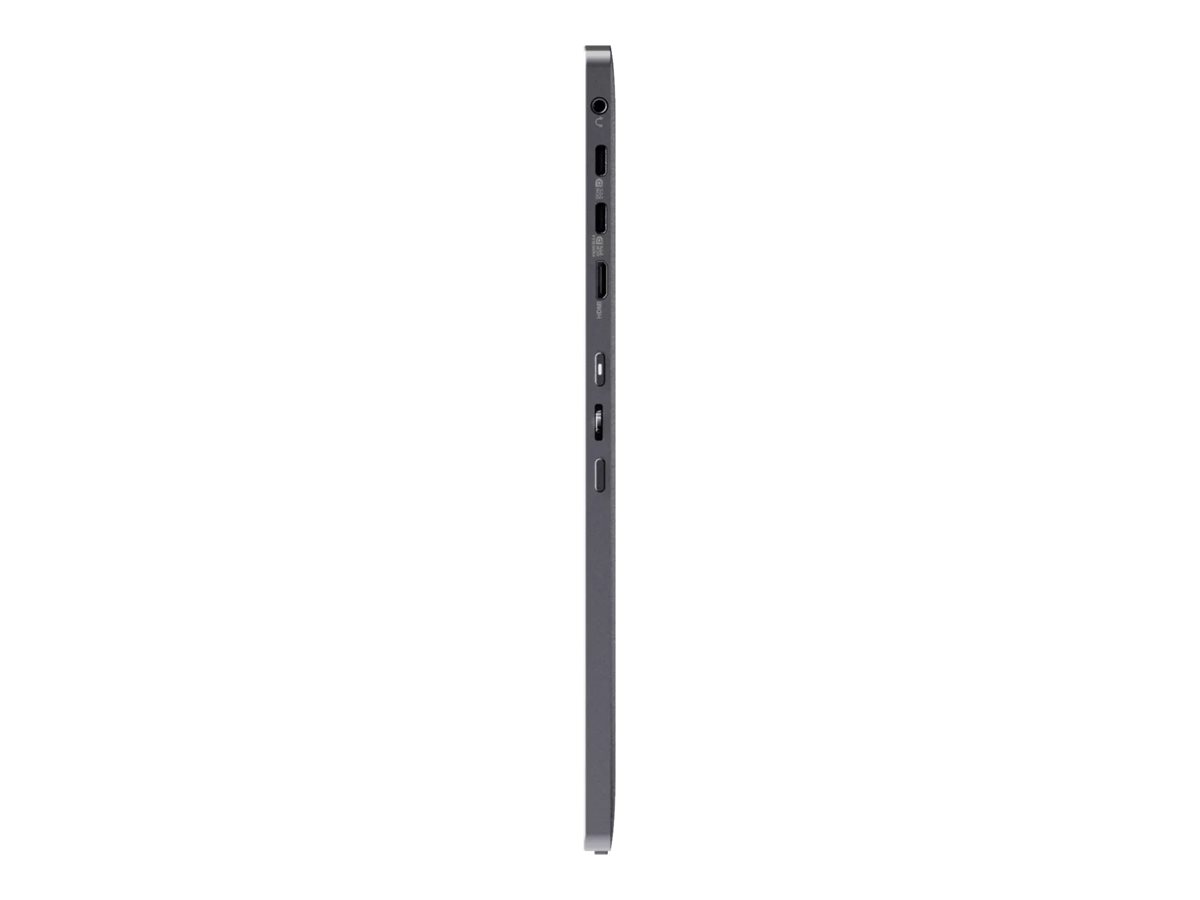
ASUS ZenScreen MQ16FC 16" 1920 x 1200 (WUXGA) Mini HDMI USB-C
ASUS ZenScreen MQ16FC - OLED-monitor - 16" - bærbar - 1920 x 1200 Full HD (1080p) - 300 cd/m² - 100000000:1 - Mini HDMI, 2xUSB-C - grå, sort
-
Product no 1004197767
Model MQ16FC
Brand ASUSTeK COMPUTER
Go to brand's websiteEAN 4711636305044
Weight 1.74 kg
-
Product information and specifications are guiding only. Without notice, these can be subject to change by the manufacturer. This applies for product images as well.
| Produktbeskrivelse | ASUS ZenScreen MQ16FC - OLED-monitor - Full HD (1080p) - 16" |
| Enhedstype | OLED-monitor - 16" |
| Energimærke QR-kode URL | Https://eprel.ec.europa.eu/qr/2566804 |
| Energiklasse | Klasse C |
| Formatforhold | 16:10 |
| Standard opløsning | Full HD (1080p) 1920 x 1200 |
| Pixel Pitch | 0.179 mm |
| Lysstyrke | 300 cd/m² |
| Kontrastforhold | 100000000:1 |
| Responstid | 1 ms (grå-til-grå) |
| Farve support | 16,7 millioner farver |
| Farvespektrum | 95% DCI-P3 |
| Input-stik | Mini HDMI, 2xUSB-C |
| Spænding | AC 100-240 V (50/60 Hz) |
| Farve | Grå, sort |
| Dimensioner (B x D x H) | 35.9 cm x 0.9 cm x 23.3 cm |
| Vægt | 680 g |
| Overensstemmelsesstandarder | TUV Rheinland Flicker Free Certification, TUV Rheinland Low Blue Light (Hardware Solution), HDCP 1.4 |
| Producentgaranti | 3 års garanti |
.png)
MQ16FC Portable Monitor – 16-inch 16:10 WUXGA (1920 x 1200) OLED panel, Power Pass Through, Auto Rotate, tripod, USB Type-C®, mini-HDMI®, 95% DCI-P3, Flicker Free, Low Blue Light, FSC Mix-certified
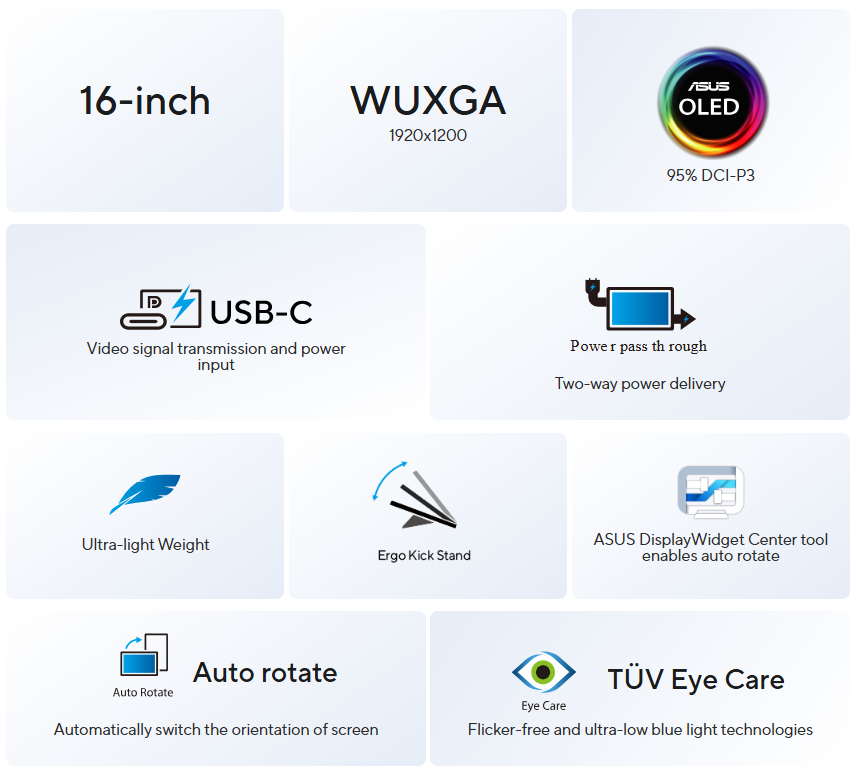
- 16-inch 16:10 1920 x 1200 resolution and an impressive 89% screen-to-body ratio brings you expansive view
- OLED panel with 95% DCI-P3 color gamut features extreme blacks, high perceptual brightness and superfast 1 ms response time for astonishing color reproduction
- With Power Pass Through, the MQ16FC portable monitor can be powered by a laptop, or deliver power to a laptop via pass-through charging
- Automatically sense its orientation and switch the monitor between landscape and portrait modes via DisplayWidget Center software
- ASUS Eye Care monitors feature TÜV Rheinland-certified Flicker-free and Low Blue Light technologies to ensure a comfortable viewing experience
- Rich connectivity with two full-function USB-C® ports plus a mini-HDMI® port
.png)
.png)
.png)
.png)
.png)
AWARDS & REVIEWS



Streberi
REPUBLIC OF SERBIA 2026/04/03
Choice nagrada
It is so light and thin that I forgot I was carrying it in my backpack. ZenScreen OLED provides exactly that — additional space for focus, without complications. The black color is actually black. The colors are saturated, the contrast is huge, and everything looks “livelier”.REPUBLIC OF SERBIA 2026/04/03
Streberi
REPUBLIC OF SERBIA 2026/04/03
Supreme nagrada
It is so light and thin that I forgot I was carrying it in my backpack. ZenScreen OLED provides exactly that — additional space for focus, without complications. The black color is actually black. The colors are saturated, the contrast is huge, and everything looks “livelier”.REPUBLIC OF SERBIA 2026/04/03
SS MODS
REPUBLIC OF SERBIA 2026/03/09
Naš izbor nagrada
The biggest advantage of this model is, of course, the OLED panel technology, which brings practically infinite contrast, exceptionally deep black tones, and very vivid colors. Due to the excellent balance between display quality, mobility, and functionality, this model deservedly receives "OUR CHOICE" award in our review.REPUBLIC OF SERBIA 2026/03/09


nophilter
GERMANY 2026/04/19
nophilter: Award
An impressive portable monitor with outstanding picture quality, high-quality build and a comprehensive range of ports.GERMANY 2026/04/19
AV Magazine
My first look at the new Asus ZenScreen OLED MQ16FC, which I examined very closely, definitely impressed me, even though I was initially very skeptical about the peak brightness limit, which doesn’t exceed the advertised 300 nits. However, my analysis showed that performance in default and sRGB modes is very good!
ITALY 2026/06/03
My first look at the new Asus ZenScreen OLED MQ16FC, which I examined very closely, definitely impressed me, even though I was initially very skeptical about the peak brightness limit, which doesn’t exceed the advertised 300 nits. However, my analysis showed that performance in default and sRGB modes is very good!
ITALY 2026/06/03
.jpg) 0:34
0:34
Power pass through
There is the two-way power delivery function built in. The MQ16FC portable monitor can be powered by a laptop, or deliver power to a laptop via pass-through charging when plugged into a USB-C power bank or AC adapter and outlet*.Note: The connected adaptor will need to supply up to 90 W to reach its maximum 65 W Power Delivery
* the video demonstrate the power pass through function, actual product design may vary by models
OLED
Astonishingtrue-to-life color
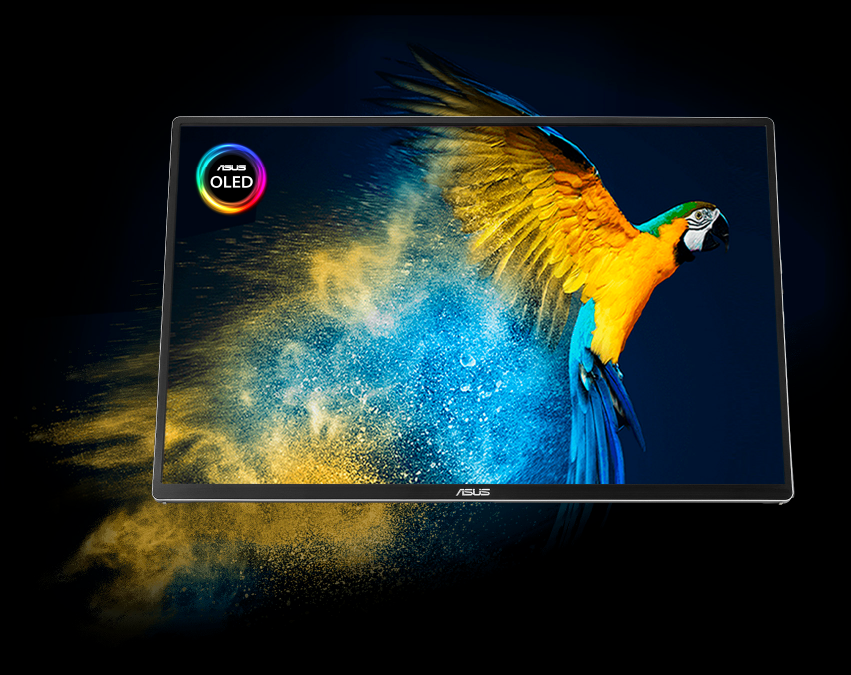
ZenScreen OLED MQ16FC OLED panel boasts a 95% DCI-P3 wide color gamut, delivering accurate color reproduction for professional tasks., with its infinite contrast ratio ensures deep blacks and vibrant colors, creating immersive visuals for both creative endeavors and digital nomads.Delta E < 2
vivid colors
vivid colors
95%
DCI-P3 color gamut
DCI-P3 color gamut
.gif)
OLED
Fast response time for smooth visuals
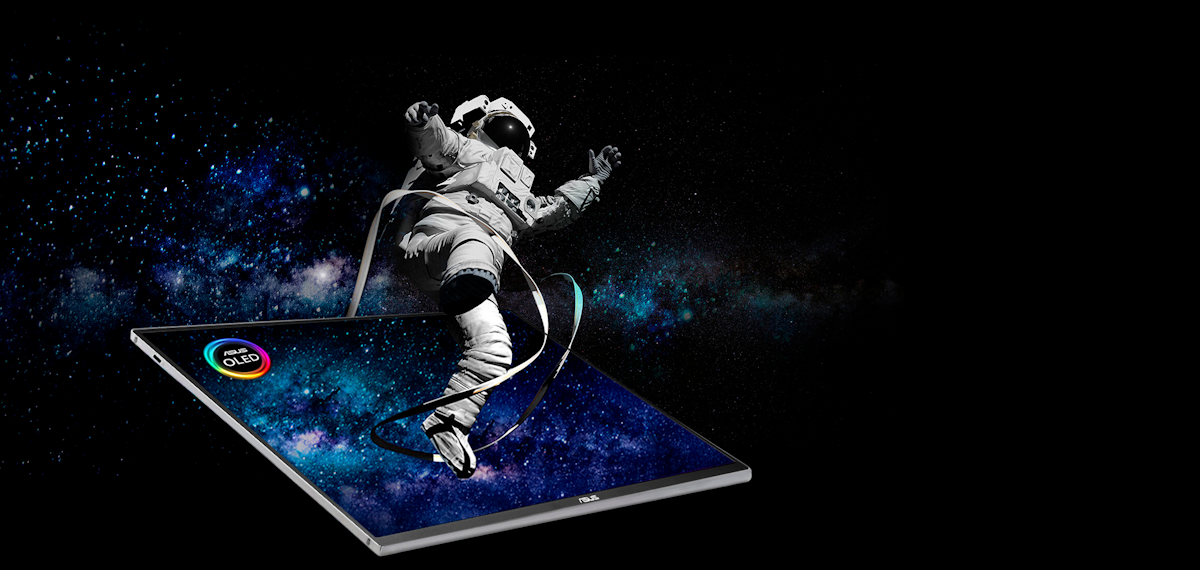
With a rapid response time — as low as 1 ms — ZenScreen OLED displays smooth fast-paced action scenes and ensures low-latency gameplay. You’ll also enjoy subtle benefits such as blur-free text scrolling.More immersive
Brings you a stunning 16:10 display that’s both wider and more vibrant, supporting up to 1920x1200 resolution and an impressive 89% screen-to-body ratio. Enjoy an expansive, vivid view all packed into a sleek, lightweight extended portable monitor.
.png)
One cable is all you need
MQ16FC features rich connectivity with dual USB-C and mini-HDMI ports. A single USB-C cable* is all you need to duplicate or extend your laptop screen. USB-C handles both power and video signal transmission, so it’s simply a matter of plug-and-play when it’s time to level up your work efficiency.
Note* Need to check whether the USB-C port of your laptop supports DP Alt mode prior to use.
Or You can use HDMI connectivity along with USB-C (DC-IN) as power input instead if your laptop does not support USB-C (DP)
Note* Need to check whether the USB-C port of your laptop supports DP Alt mode prior to use.
Or You can use HDMI connectivity along with USB-C (DC-IN) as power input instead if your laptop does not support USB-C (DP)
.png)
.jpg)
.jpg)
Automatic screen orientation
When connected to a Windows PC, the ASUS DisplayWidget Center tool* enables MQ16FC to sense its orientation and automatically switches the display between landscape and portrait modes.*Software required. Auto-rotate function works with both Windows and MAC OS.
ASUS Eye Care
ASUS Ultra-Low Blue Light technology reduces potentially harmful blue light emissions and includes additional features that are beneficial to those who spend long hours in front of a display.
LOW BLUE LIGHT
ASUS Blue Light Filter
The ASUS Blue Light Filter protects viewers from harmful blue light. This feature offers a range of filter settings that are easy to access via the intuitive OSD menu.ZenScreen MQ16FC has passed stringent performance tests and is certified by TÜV Rheinland laboratories, a global provider of technical, safety, and certification services.
.jpg)
.jpg)
With Blue Light Filter
Without Blue Light Filter
FLICKER FREE TECHNOLOGY
ASUS Flicker Free
TÜV Rheinland-certified ASUS Flicker Free technology eliminates flicker, ensuring comfortable viewing experiences. This technology helps minimize eyestrain and other ailments typically associated with extended hours of viewing..jpg)
.jpg)
With ASUS Flicker Free technology
Without ASUS Flicker Free technology

Sustaining an
Incredible Future

Environmental Certification
ASUS ZenScreen MQ16FC is stringently tested to meet the requirements of world-leading sustainability certifications. These tests include a comprehensive database of up-to-date criteria, independent verification, and a structured system for continuous improvement.
Eco-friendly Packaging
The sustainable packaging of ZenScreen MQ16FC is FSC® Mix-certified. The lightweight, eco-friendly cardboard box that it’s packed in is designed to keep overall volume to a minimum, for more efficient shipping.
- Products certified by the Federal Communications Commission and Industry Canada will be distributed in the United States and Canada. Please visit the ASUS USA and ASUS Canada websites for information about locally available products.
- All specifications are subject to change without notice. Please check with your supplier for exact offers. Products may not be available in all markets.
- Specifications and features vary by model, and all images are illustrative. Please refer to specification pages for full details.
- PCB color and bundled software versions are subject to change without notice.
- Brand and product names mentioned are trademarks of their respective companies.
- The terms HDMI, HDMI High-Definition Multimedia Interface, HDMI Trade dress and the HDMI Logos are trademarks or registered trademarks of HDMI Licensing Administrator, Inc.
- Product Security Update Support Periods : 3 years (until 31/12/2026).
- The actual transfer speed of USB 3.0, 3.1, 3.2, and/or Type-C will vary depending on many factors including the processing speed of the host device, file attributes and other factors related to system configuration and your operating environment.
- Please avoid hanging headphones or attaching any items that don't belong to the monitor itself to prevent reducing the monitor’s lifespan.
About ASUS
ASUS is a multinational company best known for their motherboards, PCs, monitors, graphics cards and routers. Along with an expanding range of superior gaming, content-creation and AIoT solutions, ASUS leads the industry through cutting-edge design and innovations made to create the most ubiquitous, intelligent, heartfelt and joyful smart life for everyone. With a global workforce that includes more than 5,000 R&D professionals, ASUS is driven to become the world’s most admired innovative leading technology enterprise.
About ROG
Republic of Gamers (ROG) is an ASUS sub-brand dedicated to creating the world’s best gaming hardware and software. Formed in 2006, ROG offers a complete line of innovative products known for performance and quality, including motherboards, graphics cards, laptops, desktops, monitors, audio equipment, routers and peripherals. ROG participates in and sponsors major international gaming events. ROG gear has been used to set hundreds of overclocking records and it continues to be the preferred choice of gamers and enthusiasts around the world.
© 2026 ASUS Computer International. All Rights Reserved. ASUS is a registered trademark of ASUSTeK Computer. All specifications and terms are subject to change without notice. Please check with your supplier for exact offers on selected models. Products may not be available in all markets. Product may not be exactly as shown in photos. Actual colors may differ from their appearance due to variation of monitor restrictions and color processing. All trademarks are registered to their respective companies. ASUS shall not be liable for technical or editorial errors or omissions contained herein.
ASUS is a multinational company best known for their motherboards, PCs, monitors, graphics cards and routers. Along with an expanding range of superior gaming, content-creation and AIoT solutions, ASUS leads the industry through cutting-edge design and innovations made to create the most ubiquitous, intelligent, heartfelt and joyful smart life for everyone. With a global workforce that includes more than 5,000 R&D professionals, ASUS is driven to become the world’s most admired innovative leading technology enterprise.
About ROG
Republic of Gamers (ROG) is an ASUS sub-brand dedicated to creating the world’s best gaming hardware and software. Formed in 2006, ROG offers a complete line of innovative products known for performance and quality, including motherboards, graphics cards, laptops, desktops, monitors, audio equipment, routers and peripherals. ROG participates in and sponsors major international gaming events. ROG gear has been used to set hundreds of overclocking records and it continues to be the preferred choice of gamers and enthusiasts around the world.
© 2026 ASUS Computer International. All Rights Reserved. ASUS is a registered trademark of ASUSTeK Computer. All specifications and terms are subject to change without notice. Please check with your supplier for exact offers on selected models. Products may not be available in all markets. Product may not be exactly as shown in photos. Actual colors may differ from their appearance due to variation of monitor restrictions and color processing. All trademarks are registered to their respective companies. ASUS shall not be liable for technical or editorial errors or omissions contained herein.
Se Asus seneste FAQ - løser 90 % af typiske problemer
http://www.asus.com/dk/support/
Teknisk support: 38 32 29 43
Bemærk: Enkelte produkter forekommer med tysk manual i stedet for Dansk.
https://rma.asus-europe.eu/?country=dk
I tilfælde af problemer kan Asus kontaktes på 38 32 29 43
ASUS tilbyder 7 dages DOA, Hent DOA formular her
https://drive.google.com/file/d/1lJ00yTXfFLrQrG6m9PHZ5HS2C55gdpGm/view?usp=sharing
Send til [email protected]
ASUS skal kontaktes direkte for forespørgseler til reklamation.
Vurderes problemet godkendt til en reklamation, resultater dette i et sags nummer der giver adgang til ASUS pickup skema for reparation og ombytninger.
Du udfylder den relaterende produktside formularer (det er vigtigt, at du vælger hvorvidt det er en Notebook, en Eee eller en anden vare).
Formularen afsluttes og kunden modtagere et ASUS RMA nummer og mere information omkring afhentnings processen.
ASUS sender et fragtlabel, til indsendelse af produktet.
http://www.asus.com/dk/support/
Teknisk support: 38 32 29 43
Bemærk: Enkelte produkter forekommer med tysk manual i stedet for Dansk.
RMA
For håndtering og oprettelse af Asus garanti benythttps://rma.asus-europe.eu/?country=dk
I tilfælde af problemer kan Asus kontaktes på 38 32 29 43
ASUS tilbyder 7 dages DOA, Hent DOA formular her
https://drive.google.com/file/d/1lJ00yTXfFLrQrG6m9PHZ5HS2C55gdpGm/view?usp=sharing
Send til [email protected]
ASUS skal kontaktes direkte for forespørgseler til reklamation.
Vurderes problemet godkendt til en reklamation, resultater dette i et sags nummer der giver adgang til ASUS pickup skema for reparation og ombytninger.
Du udfylder den relaterende produktside formularer (det er vigtigt, at du vælger hvorvidt det er en Notebook, en Eee eller en anden vare).
Formularen afsluttes og kunden modtagere et ASUS RMA nummer og mere information omkring afhentnings processen.
ASUS sender et fragtlabel, til indsendelse af produktet.