


Log in to your account here or sign up as a customer here.
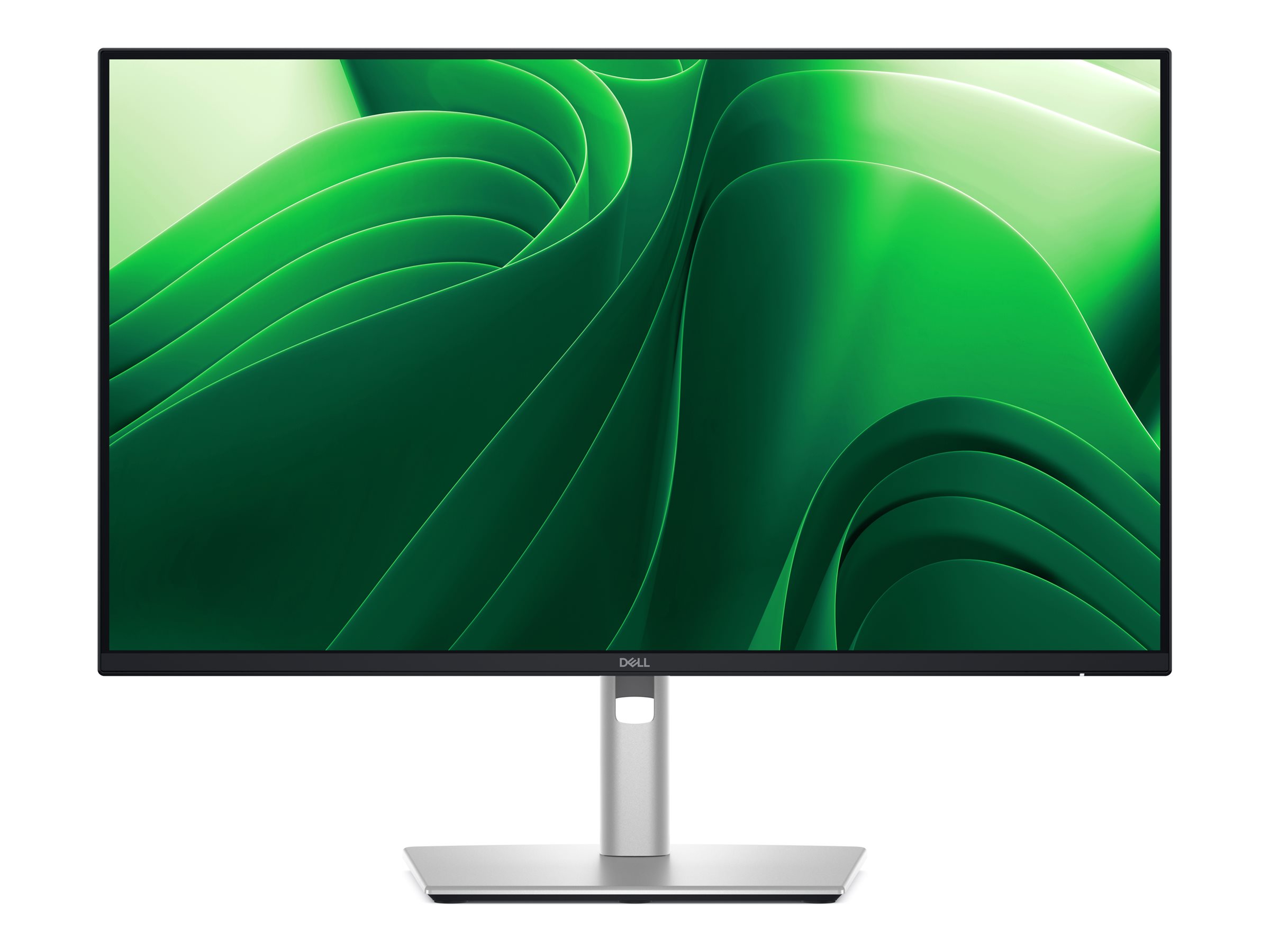
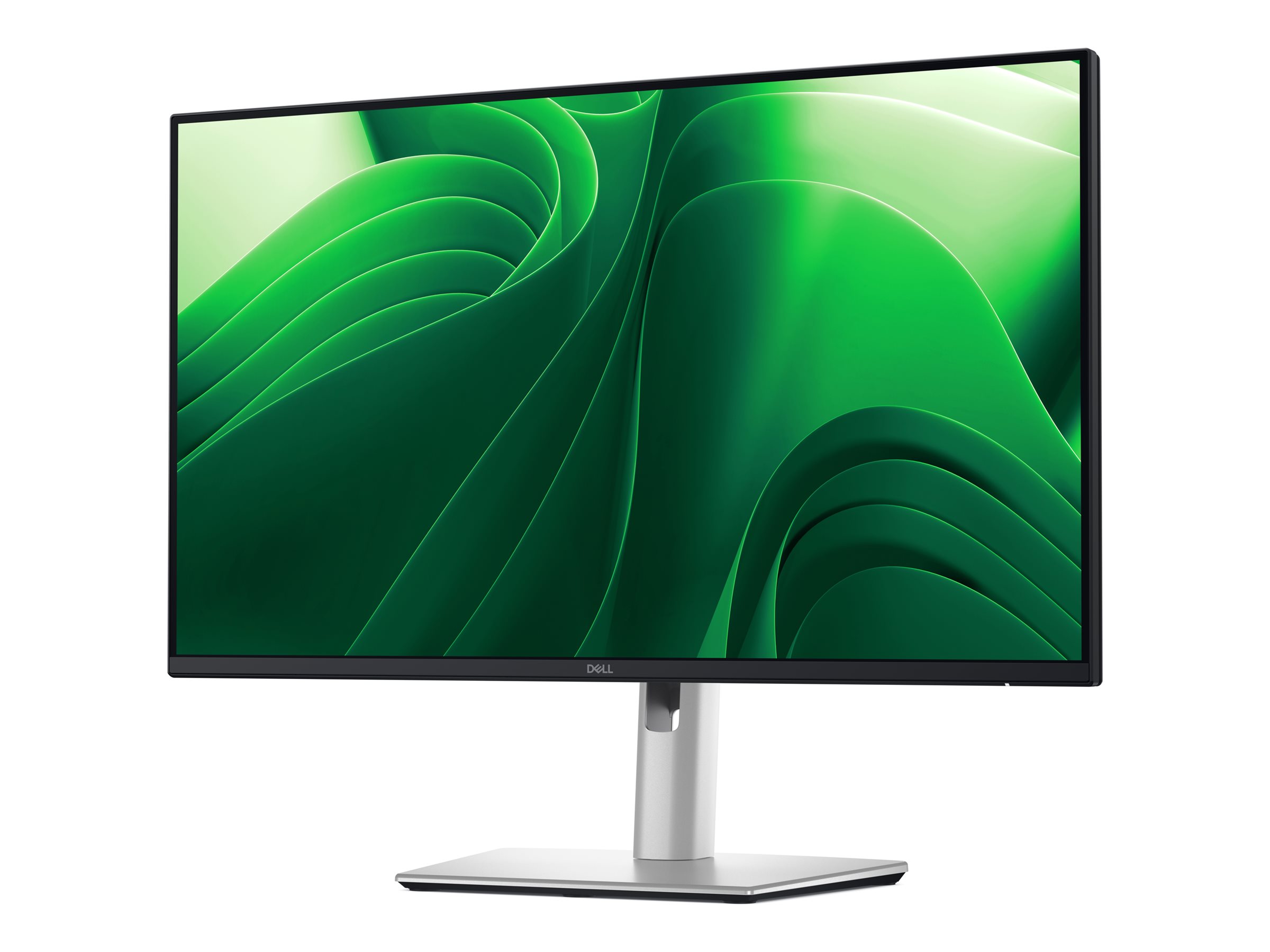
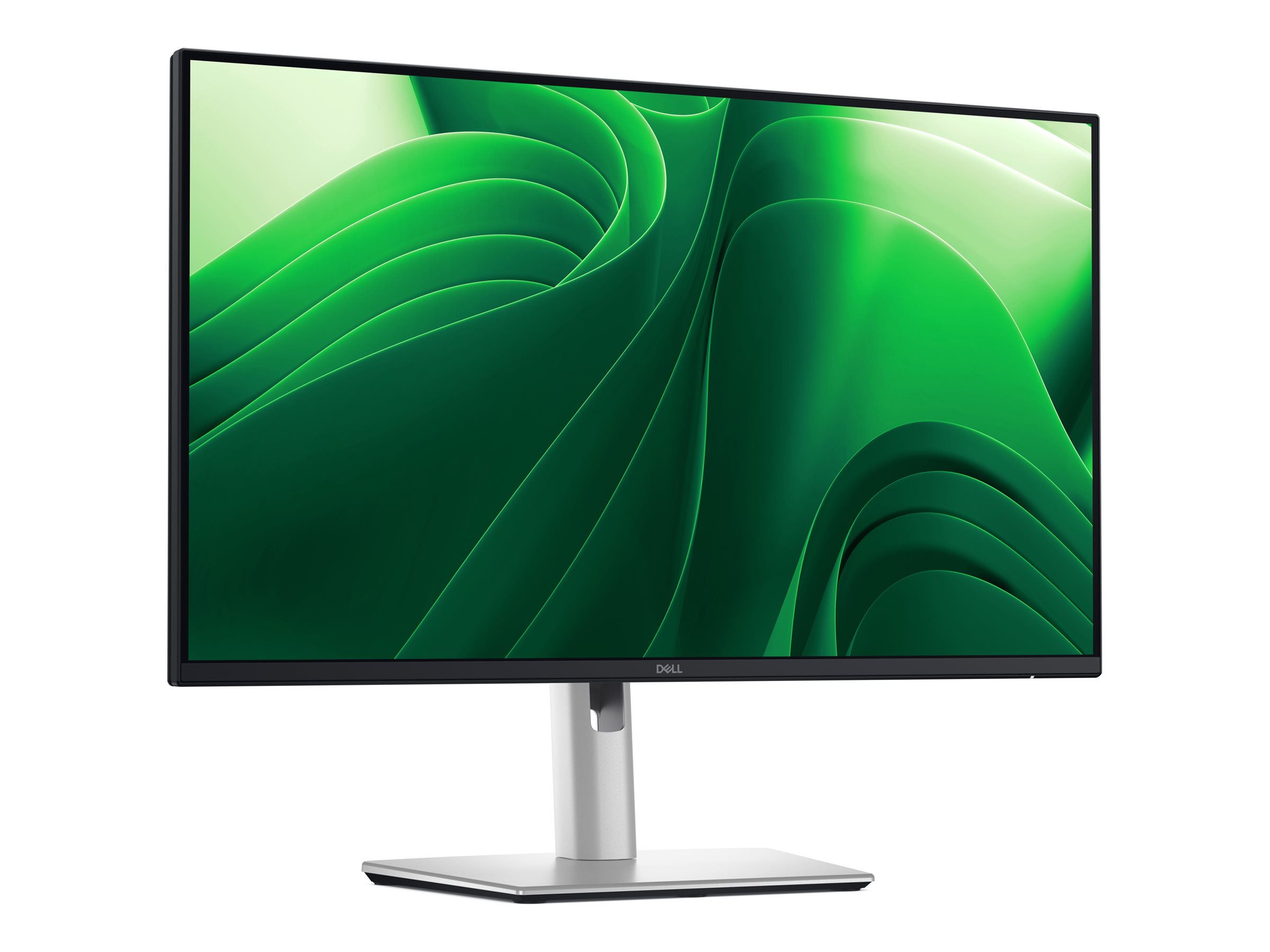
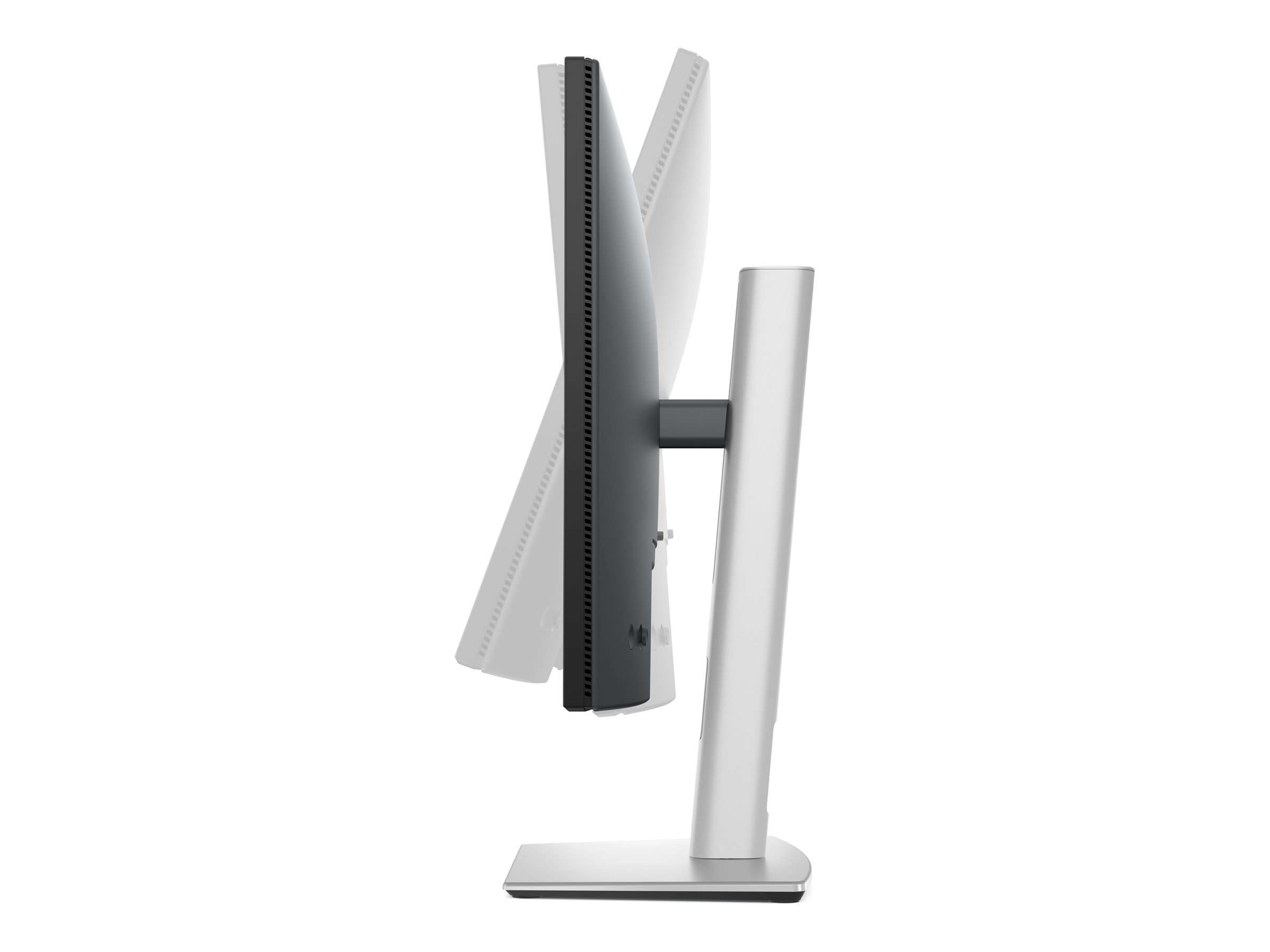
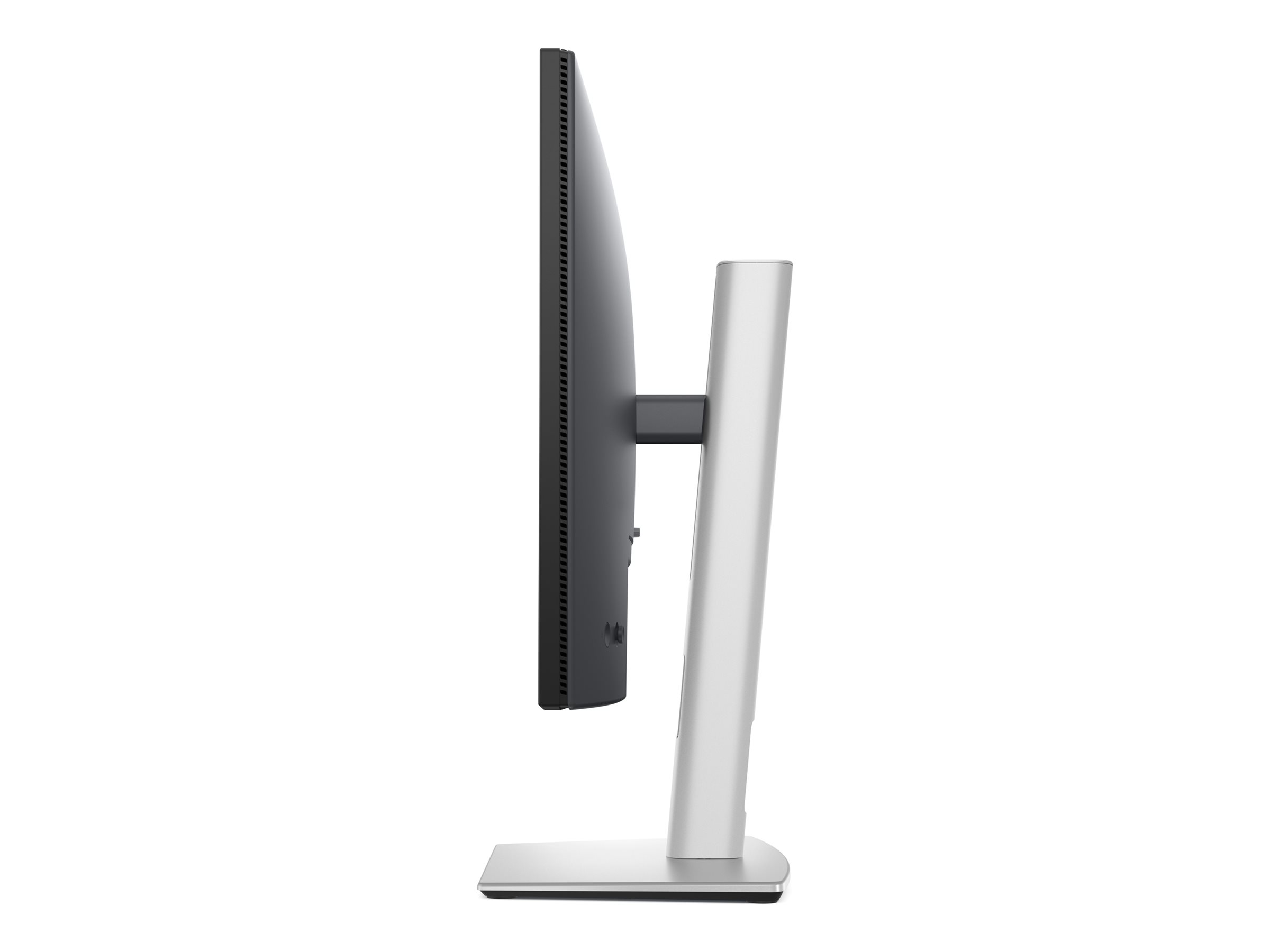
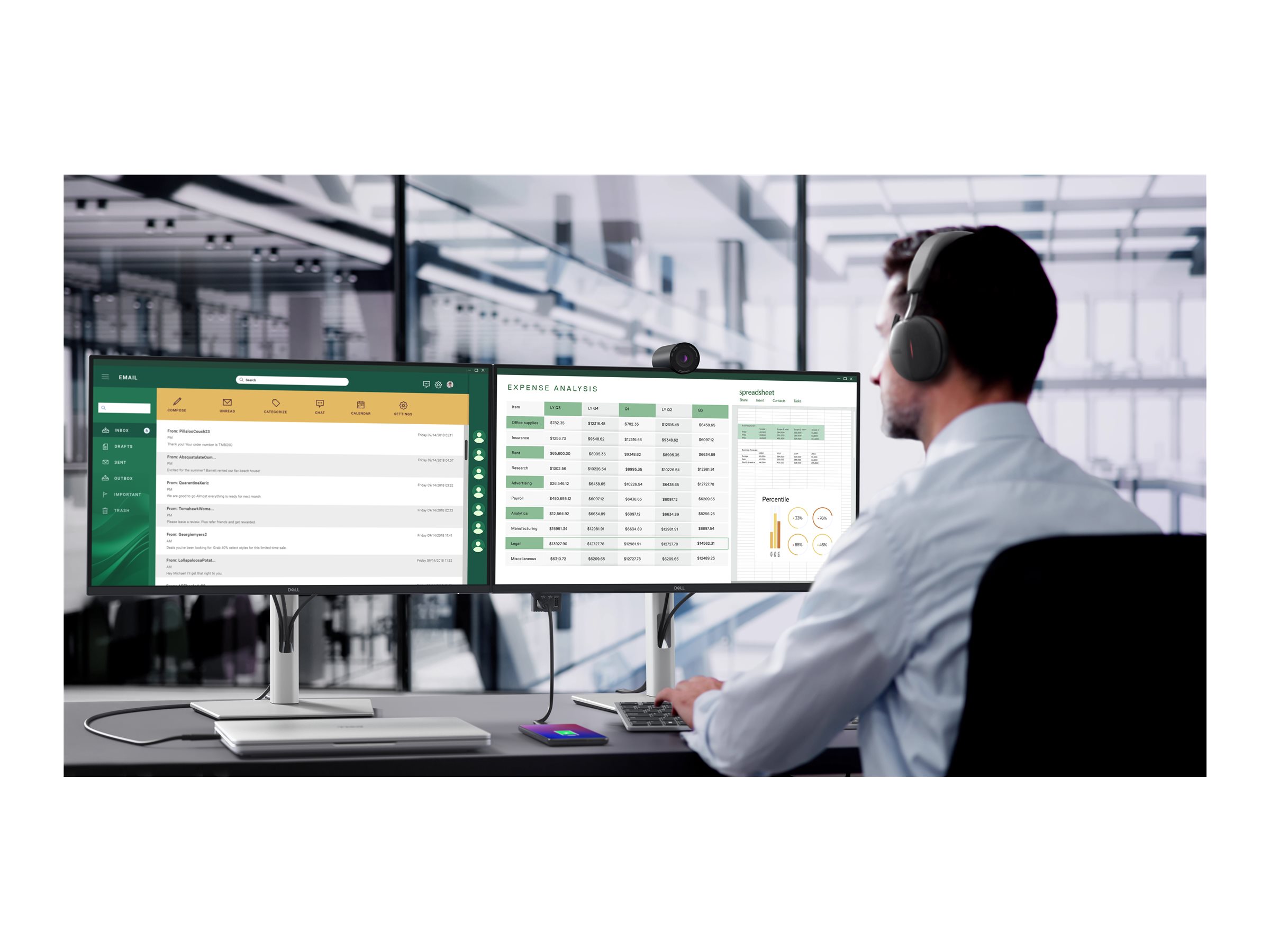
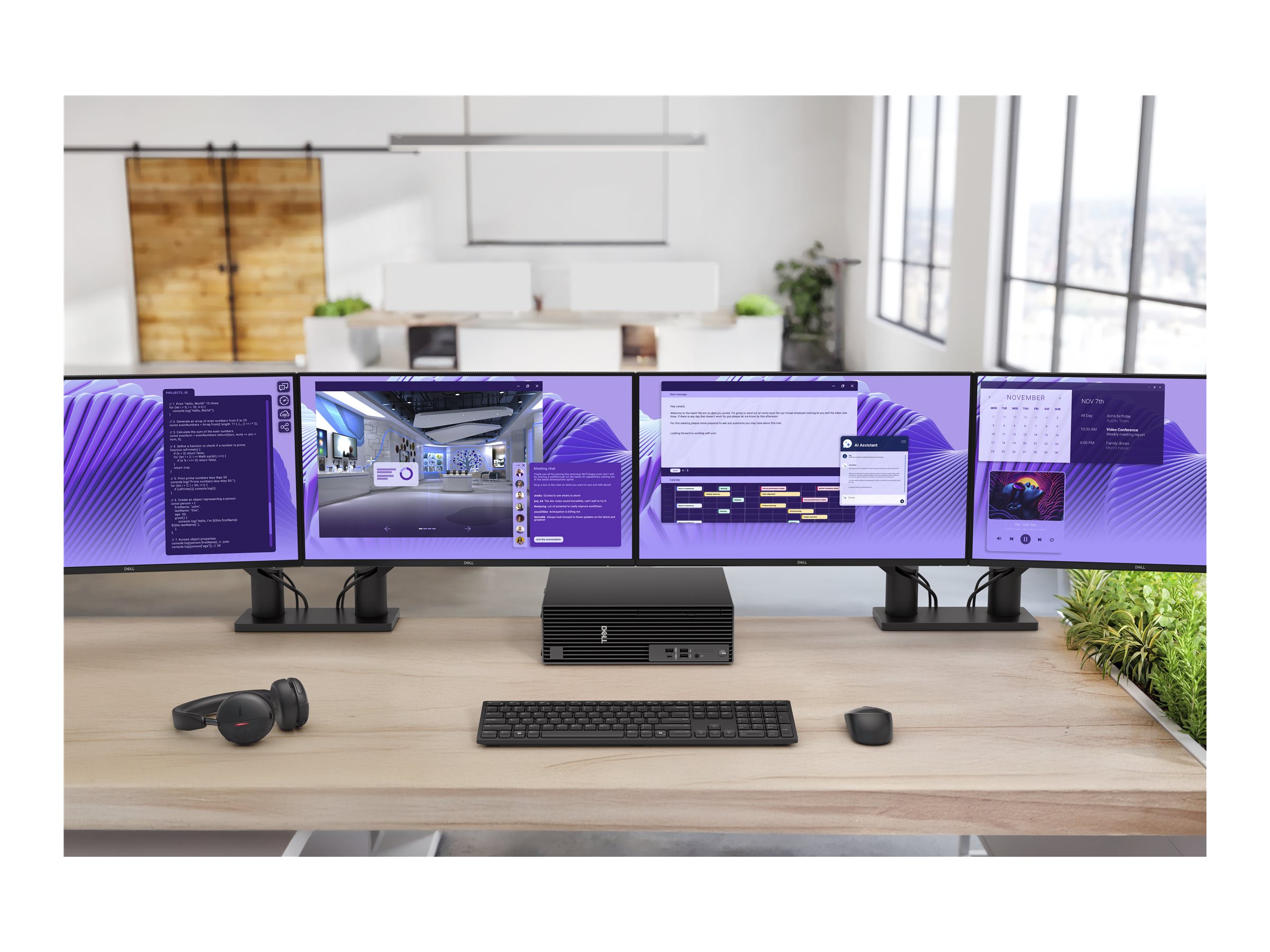

Dell Pro 24 Plus QHD USB-C Hub Monitor P2425DE 24" IPS 2560 x 1440 (2K) HDMI DisplayPort USB-C 100Hz
Dell Pro Plus P2425DE - LED-skærm - 24" - 2560 x 1440 QHD @ 100 Hz - IPS - 350 cd/m² - 1500:1 - 5 ms - HDMI, DisplayPort, USB-C - BTO - med 3 års Basic Hardware Service with Advanced Exchange efter fjerndiagnose
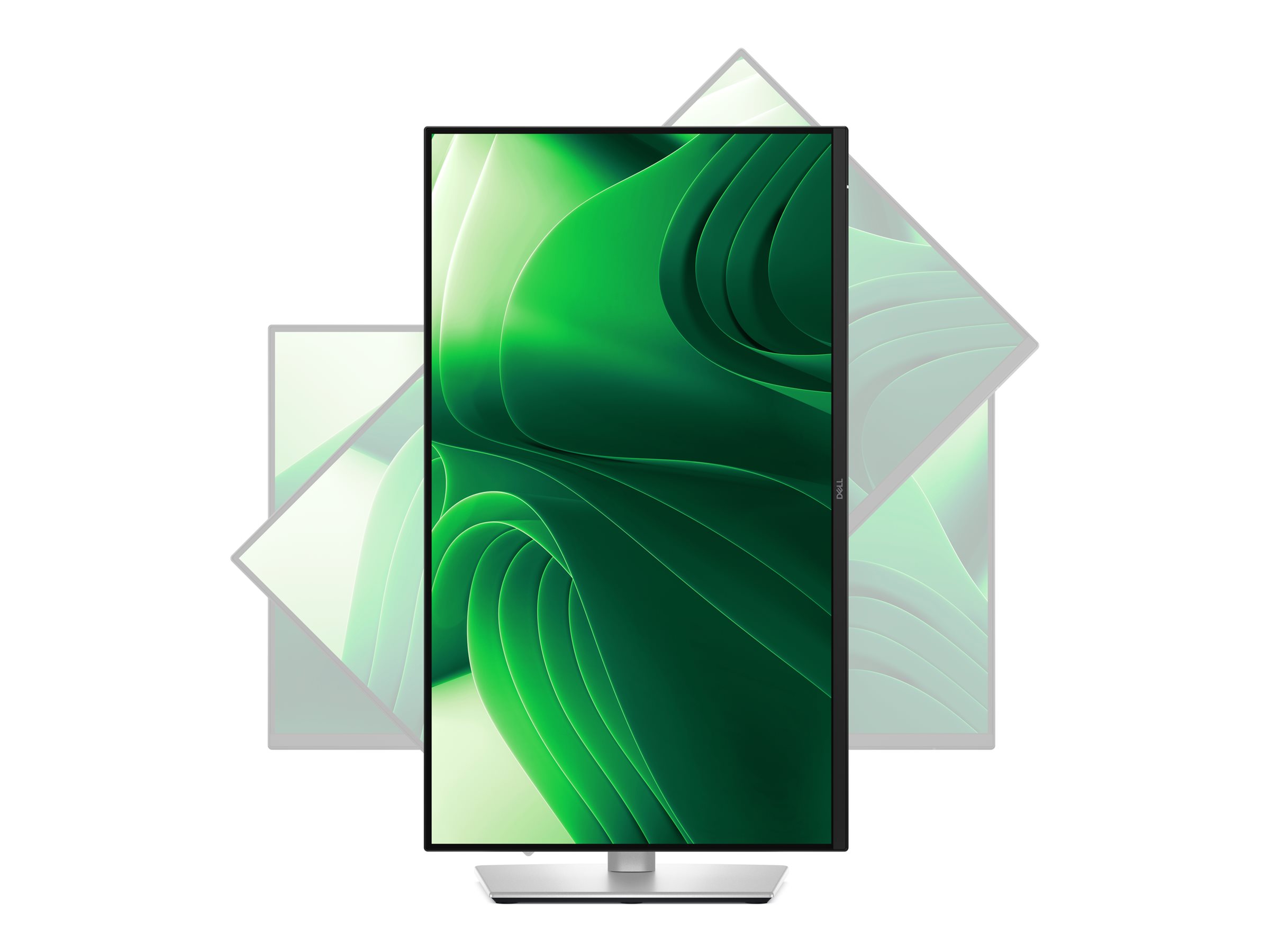
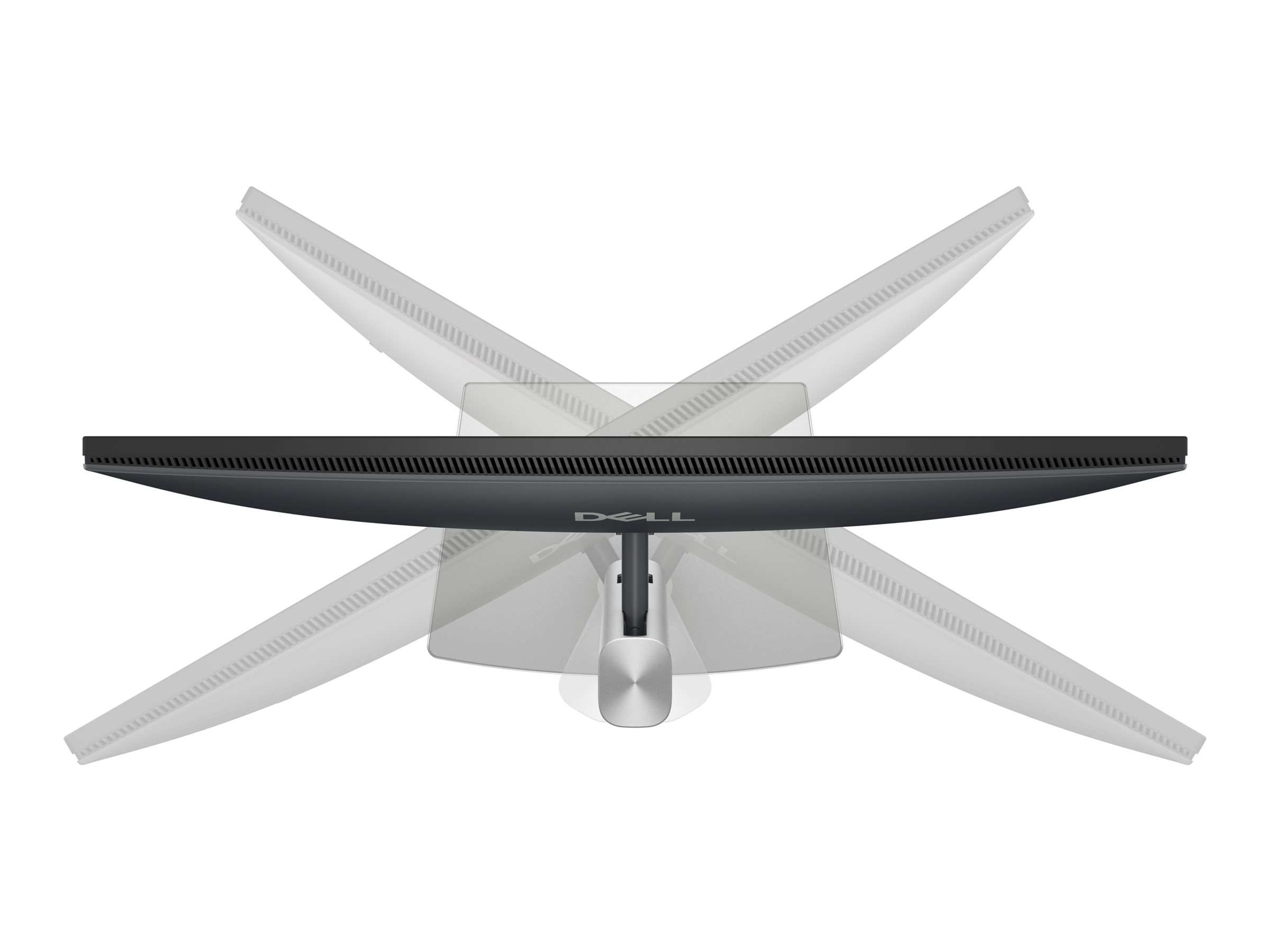
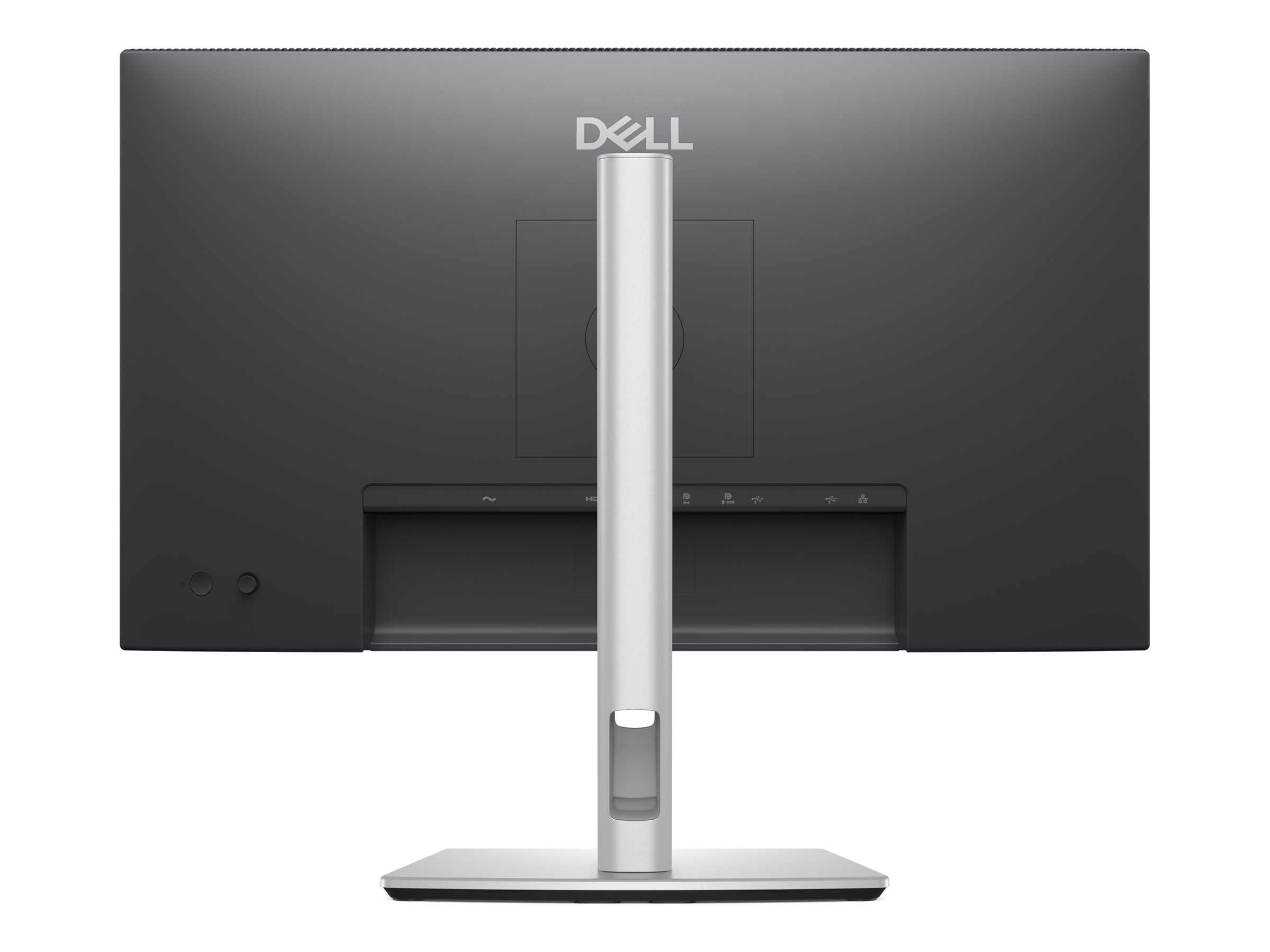
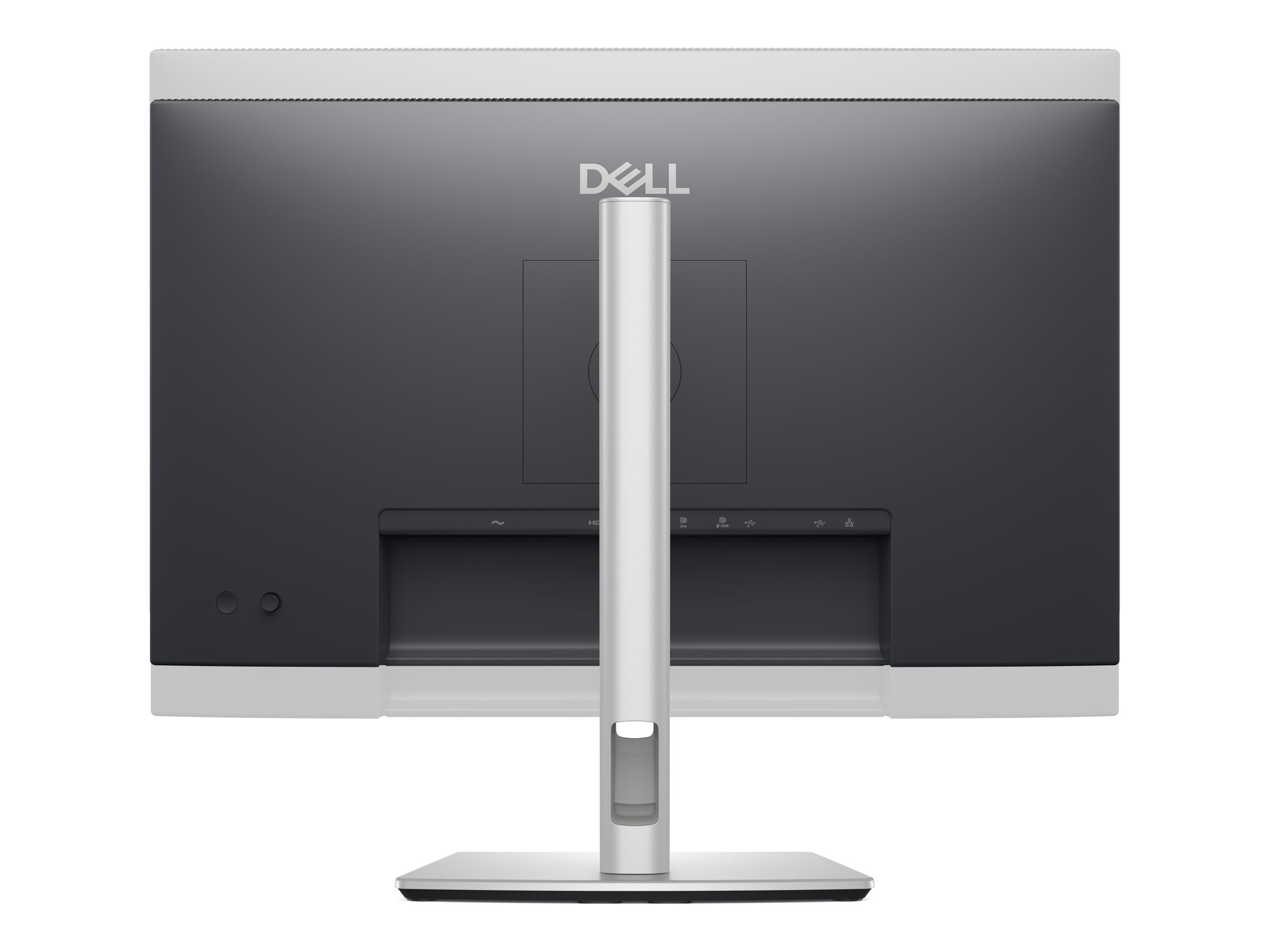
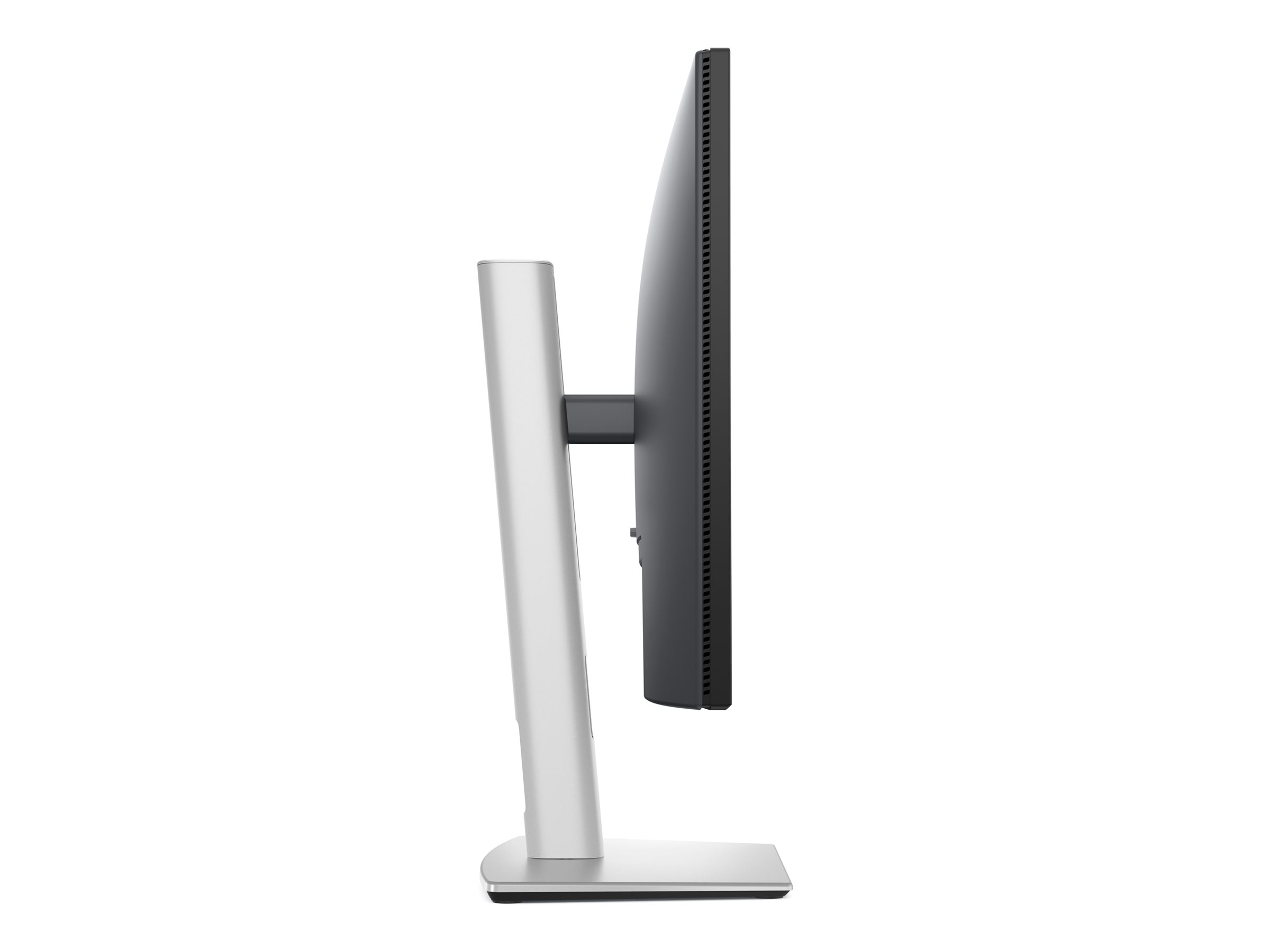
Dell Pro 24 Plus QHD USB-C Hub Monitor P2425DE er designet til dem, der søger produktivitet og alsidighed i deres arbejdsmiljø. Med en 23,8-tommers skærm giver denne monitor en oprindelig opløsning på 2560 x 1440 for klarhed og detaljer. Den antirefleksbehandlede skærm og brede betragtningsvinkler sikrer, at indholdet forbliver levende og let at læse fra enhver position i rummet. Derudover indeholder skærmen funktioner som Dell Easy Arrange for effektiv multitasking og ComfortView Plus for reduceret udledning af blåt lys, hvilket er afgørende for at mindske belastningen af øjnene under lange arbejdsdage. P2425DE er udstyret med en USB 3.2 Gen 1/USB-C-hub, der giver mulighed for problemfri tilslutning og strømforsyning på op til 90 watt, hvilket gør den velegnet til opladning af kompatible enheder direkte fra skærmen. Det slanke design med en 3-sidet kantløs skærm optimerer skærmpladsen, hvilket er perfekt til opsætninger med flere skærme. Justeringsfunktioner, såsom højde, drejning, vipning og hældning, giver komfort og ergonomiske fordele for alle typer brugere. EPEAT Gold- og ENERGY STAR-certificeringer understreger yderligere dets miljøansvar og sikrer et bæredygtigt valg uden at gå på kompromis med ydeevnen.
-
Product no 1003226020
Model DELL-P2425DE
Brand

Go to brand's websiteEAN 5397184962466
Weight 7.5 kg
-
Product information and specifications are guiding only. Without notice, these can be subject to change by the manufacturer. This applies for product images as well.
| Produktbeskrivelse | Dell Pro Plus P2425DE - LED-skærm - QHD - 24" |
| Enhedstype | LED-baggrundsbelyst LCD-skærm - 24" |
| Energimærke QR-kode URL | Https://eprel.ec.europa.eu/qr/2151603 |
| Energiklasse | Klasse E |
| Strømforbrug (Til-modus) | 16.5 W |
| Egenskaber | USB 3.2 Gen 1/USB-C hub, USB PD 90 watt |
| Paneltype | IPS |
| Formatforhold | 16:9 |
| Standard opløsning | QHD 2560 x 1440 ved 100 Hz |
| Pixel Pitch | 0.2058 mm |
| Lysstyrke | 350 cd/m² |
| Kontrastforhold | 1500:1 |
| Responstid | 5 ms (hurtig), 8 ms (normal) |
| Farve support | 16,7 millioner farver |
| Farvespektrum | 99% sRGB (CIE 1931) |
| Input-stik | HDMI, DisplayPort, USB-C |
| Indbygget Ethernet | Ja |
| Justeringer til display-position | Højde, pivot (rotering), drejbar, tilt |
| Skærmbelægning | Blændfri, 3H Hard Coating |
| Spænding | AC 100-240 V (50/60 Hz) |
| Dimensioner (B x D x H) - med stander (højeste position) | 53.87 cm x 18.154 cm x 49.655 cm |
| Vægt | 5.61 kg |
| Pristype | BTO |
| Miljømæssige standarder | TCO Certified Edge Displays, TCO Certified Displays 9, TCO Certificeret, generation 10, til skærme, ENERGY STAR kvalificeret EPEAT Gold |
| Karbonfodaftryk | 187 kg karbonudledning |
| Overensstemmelsesstandarder | Plug and Play, RoHS, BFR-fri, DisplayPort 1.4, HDCP 1.4, PVC-free, TUV Rheinland Øjnens Komfortcertificering (4-stjernet) |
| Servicepakker | 3 års Basic Hardware Service with Advanced Exchange efter fjerndiagnose |
Levende skærmkvalitet
Den 24-tommer desktop-skærm har en oprindelig opløsning på 2560 x 1440, hvilket giver klare og skarpe billeder, der er perfekte til detaljeret arbejde og multimedieforbrug.
Alsidige tilslutningsmuligheder
Tilslutning er forenklet med HDMI-, DisplayPort- og USB-C-porte, der understøtter en række forskellige enheder og sikrer nem opsætning.
Forbedret øjenkomfort
Low Blue Light-teknologi og flimmerfri skærm reducerer belastningen af øjnene ved længerevarende brug og fremmer dermed brugerens sundhed.
Tilpasselig seeroplevelse
Justerbar højde, drejning, hældning og vipning sikrer, at skærmen kan placeres i optimale betragtningsvinkler, hvilket forbedrer den ergonomiske komfort.
Miljøvenligt design
Denne skærm opfylder EPEAT Gold- og ENERGY STAR-certificeringer, hvilket understreger dens forpligtelse til at reducere miljøpåvirkningen og samtidig opretholde ydeevnen.
.jpg)
.png)
Dell Pro 24 Plus QHD USB-C Hub Monitor - P2425DE
Stay productive with this 23.8-inch QHD monitor featuring extensive connectivity, and certified by TÜV for 4 star eye comfort.

.png)
.png)
.png)
.png)
.png)
.png)
.png)
.png)
.png)
.png)


Diagonal Size
23.8"Resolution / Refresh Rate
2560 x 1440Panel Technology
In-plane Switching (IPS) Technology


Adjustability
Ports
Cables
Connectivity meets productivity
.jpg)
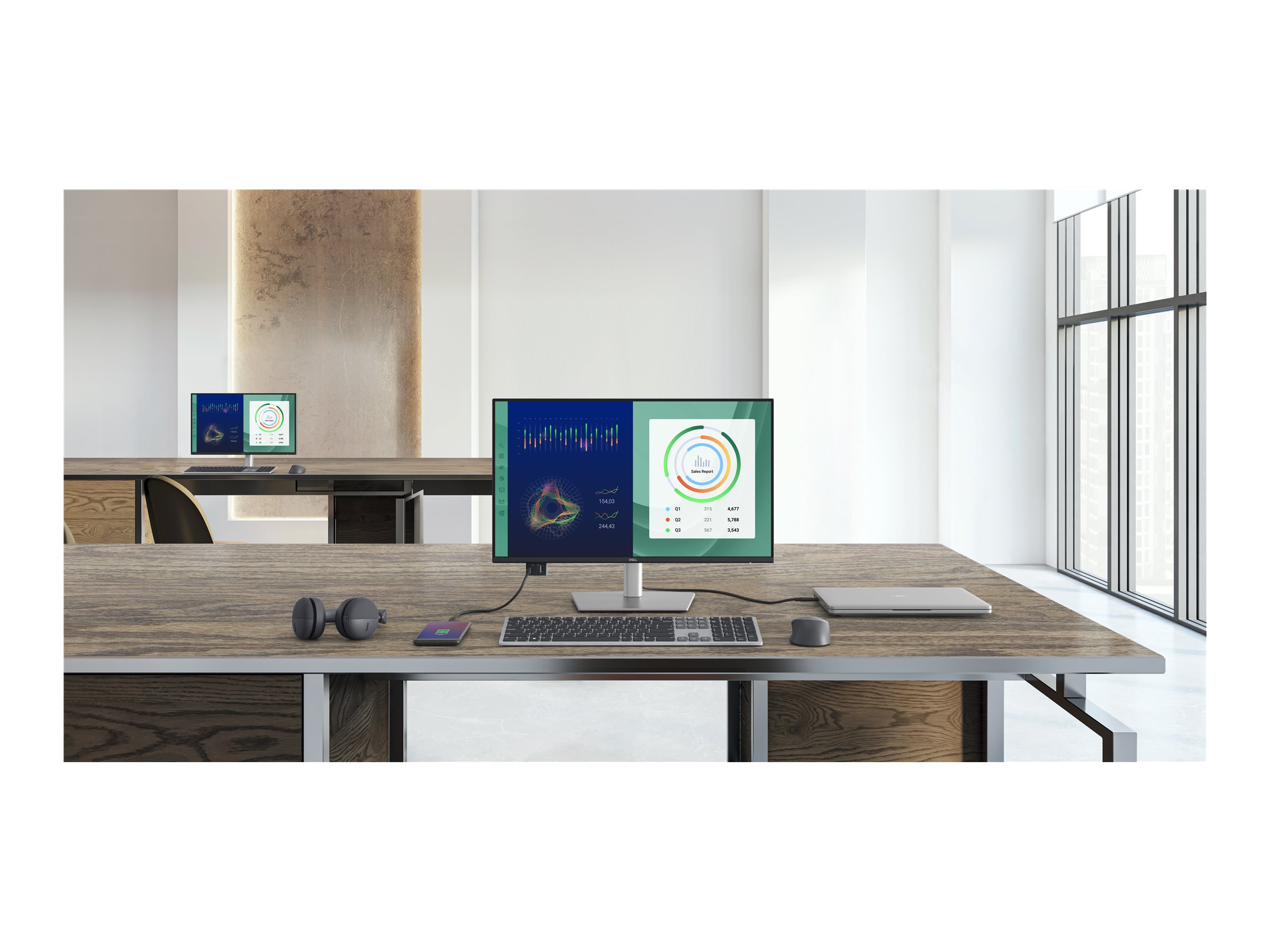
Single-cable solution
Transmit video, data, Ethernet and up to 90W power delivery all at once with USB-C.
Variety of ports
Including HDMI, DP, USB and RJ45 for stable Ethernet.
Work seamlessly
Daisy chain multiple monitors for efficient multitasking.
Works with devices on macOS®*
Enhanced eye comfort
TÜV 4-Star certified monitor for eye comfort[1] reduces eye fatigue while you work.
.jpg) 0:35
0:35.jpg) 0:21
0:21.jpg)
Improved ComfortView Plus
Reduced harmful blue light emissions to ≤35%, for all-day comfort without sacrificing colour.
Refresh Rate
100Hz refresh rate delivers less flicker, more seamless scrolling and smoother motion.
Vivid Colours
Wide colour coverage with up to 16.7 M displayable colours of 99% sRGB.
.png)
Clarity from any angle
.jpg) 0:08
0:08Quick access ports
Experience the convenience of front-facing, pop-out USB-C (with up to 15W charging) and USB Type-A ports for easy connectivity. When you are done, just pop the ports back in for a clean look.
Work in comfort
Designed for comfort and style with adjustability features and an ultra-thin bezel.
.png)
.png)
.png)
.png)
Tilt
Adjustability from -5°/+21°
Swivel
Bi-directional adjustment up to 45°
Pivot
Bi-directional adjustment up to 90°
Height
Adjustability up to 150 mm
Dell Display and Peripheral Manager
Experience Dell’s singular, innovative application to optimise the performance of your entire Dell PC workspace[2].
.jpg)
Environmentally-forward thinking
.jpg)
Material innovation
Your monitor has been thoughtfully crafted with a selection of sustainable materials including up to 85% post-consumer plastic and closed-loop ITE-derived plastic[4], 100% recycled aluminium[5], 50% recycled steel[6]and at least 20% recycled glass[7] that make up to 31% recycled content by weight[8]. Using recycled materials helps conserve natural resources and contributes to a lower environmental footprint.
Environmental standards
This monitor is registered EPEAT Gold with Climate+, certified ENERGY STAR® and carries the latest TCO certified designation. With the new certification, this monitor is assured to be built using renewable energy while meeting high safety standards[9].
Seamlessly modernise your tech
We can help you responsibly and securely retire your legacy IT equipment, regardless of brand, while addressing your sustainability goals.Packaging with purpose
This monitor ships in a box made from 100% renewable materials. We are reducing plastic waste wherever possible and transitioning to a responsible fiber-based solution[10].
.png)
.png)
.png)
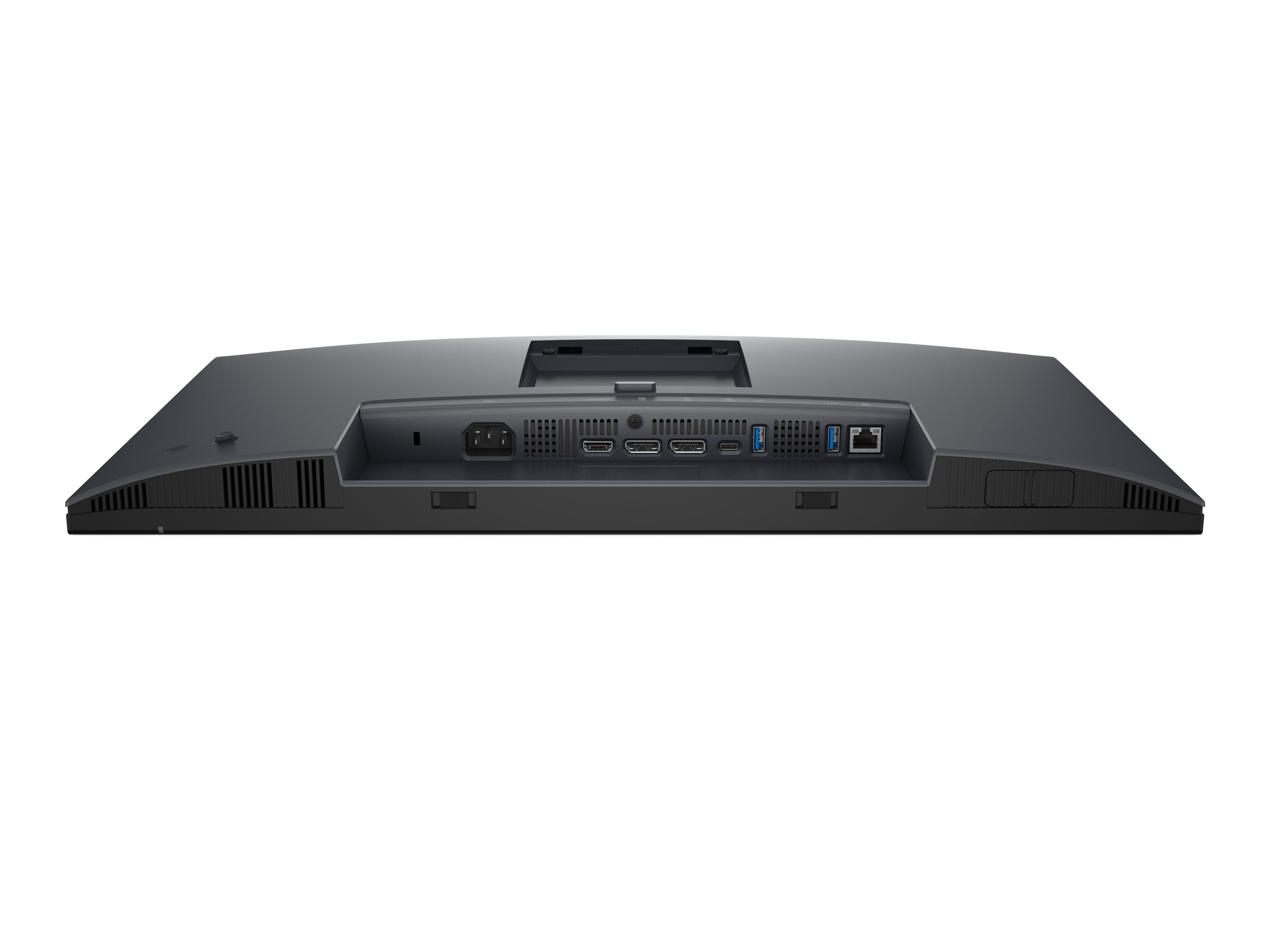
Ports and slots
.jpg)
Rear view
7.USB-C 5Gbps upstream (DP 1.4 Alt. mode, power delivery up to 90W)
8.USB Type-A 5Gbps downstream (2)
9.RJ45 Ethernet port, 1GbE
10.Soundbar slots
11.USB-C 5Gbps downstream (Data only)
12.USB Type-A 5Gbps downstream
13.Cables included
Cables included
- Power cable
- DisplayPort 1.4 (DisplayPort to DisplayPort), 1.8m
- USB-C to C 10Gbps 100W, 1.0m
- USB Type-C to Type-A 5Gbps 15W, 1.8m
Dimensions and weight
.jpg)
.jpg)
http://www.dell.com/support/home/dk/da/dkbsdt1/?c=dk&l=da&s=bsd&~ck=mn
Teknisk support: 70 23 01 82
Bemærk: Enkelte produkter forekommer med tysk manual i stedet for Dansk.
RMA
For håndtering og oprettelse af Dell garantiKontakt Dell på 70 23 01 82
Har du dit service tag, så benyt formularen så bliver du videre sendt til den rigtige afdeling.
http://www.dell.com/support/incidents/dk/da/dkdhs1/Phone/Phonetagentry